
StudioCut Review
Automate Most of Your Video Production From Planning to Publishing
Coming up with video ideas used to be one of the hardest parts of content creation. Today, powerful AI tools can generate topics, hooks, scripts, and fresh angles in seconds. The creative spark has become much easier to find.
The bigger challenge now begins after the idea is ready.
Creators still have to gather visuals, arrange scenes, record or generate voiceovers, add captions, music, transitions, animations, polish the pacing, resize content for different platforms, and somehow turn all those separate pieces into a video people actually want to watch. Producing content consistently can quickly become time-consuming, especially for solo creators, marketers, and small teams.
StudioCut enters this space with an ambitious goal: reduce much more of that production workload and help turn ideas or existing content into polished videos without forcing users through the traditional editing process.
That immediately caught my attention, because solving the production side of video creation could be far more valuable than simply generating another script or AI clip. In this StudioCut review, I’ll take a closer look at how the platform works, what it can actually do, its strengths and limitations, pricing, and who may get the most value from it.
StudioCut Review – Explaining It In Simple Terms
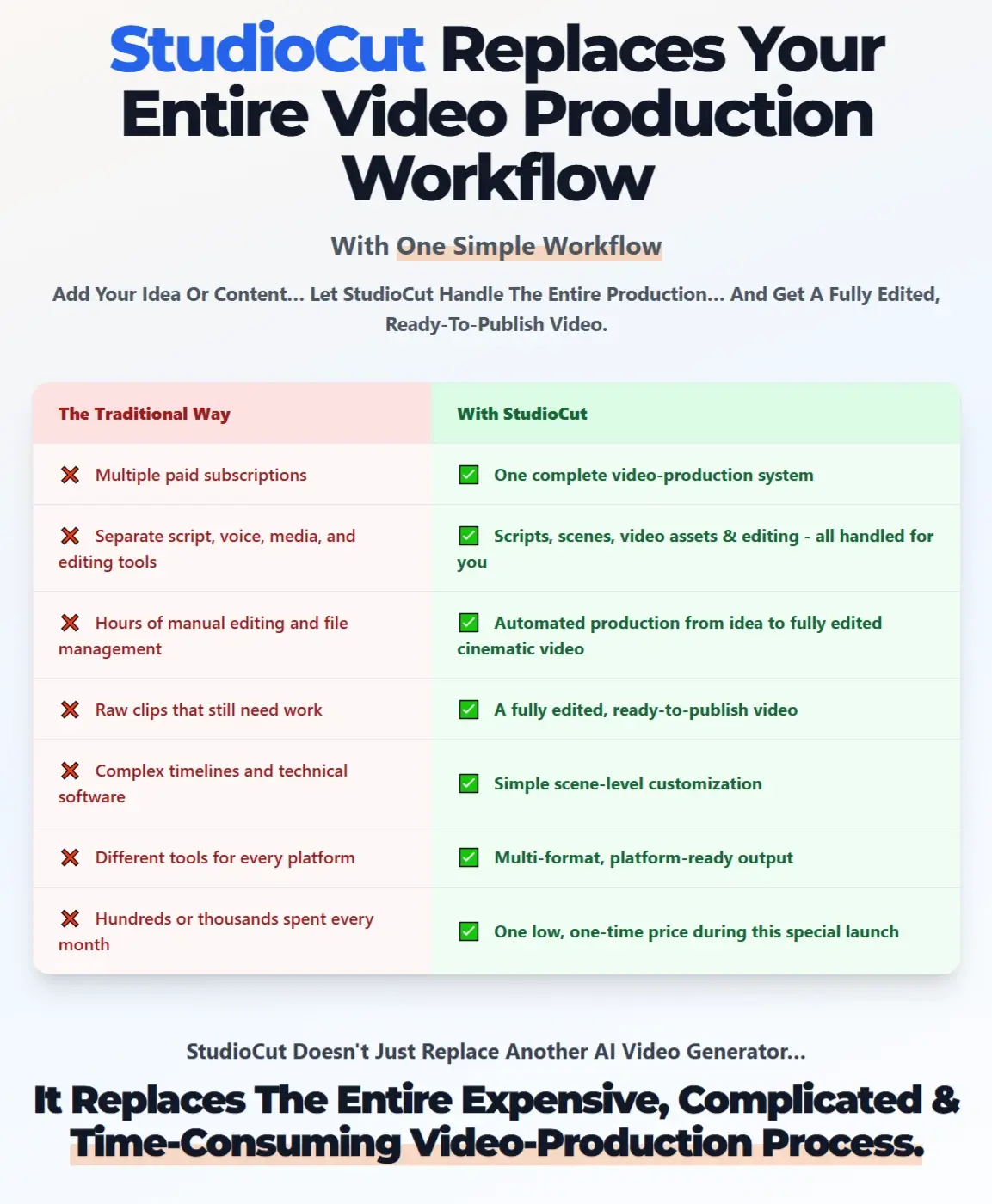
StudioCut is a complete AI video production platform developed to take content from the idea stage to a finished video. It combines AI content generation with automated editing, allowing users to create polished videos without manually assembling scenes, audio, text, and other production elements.
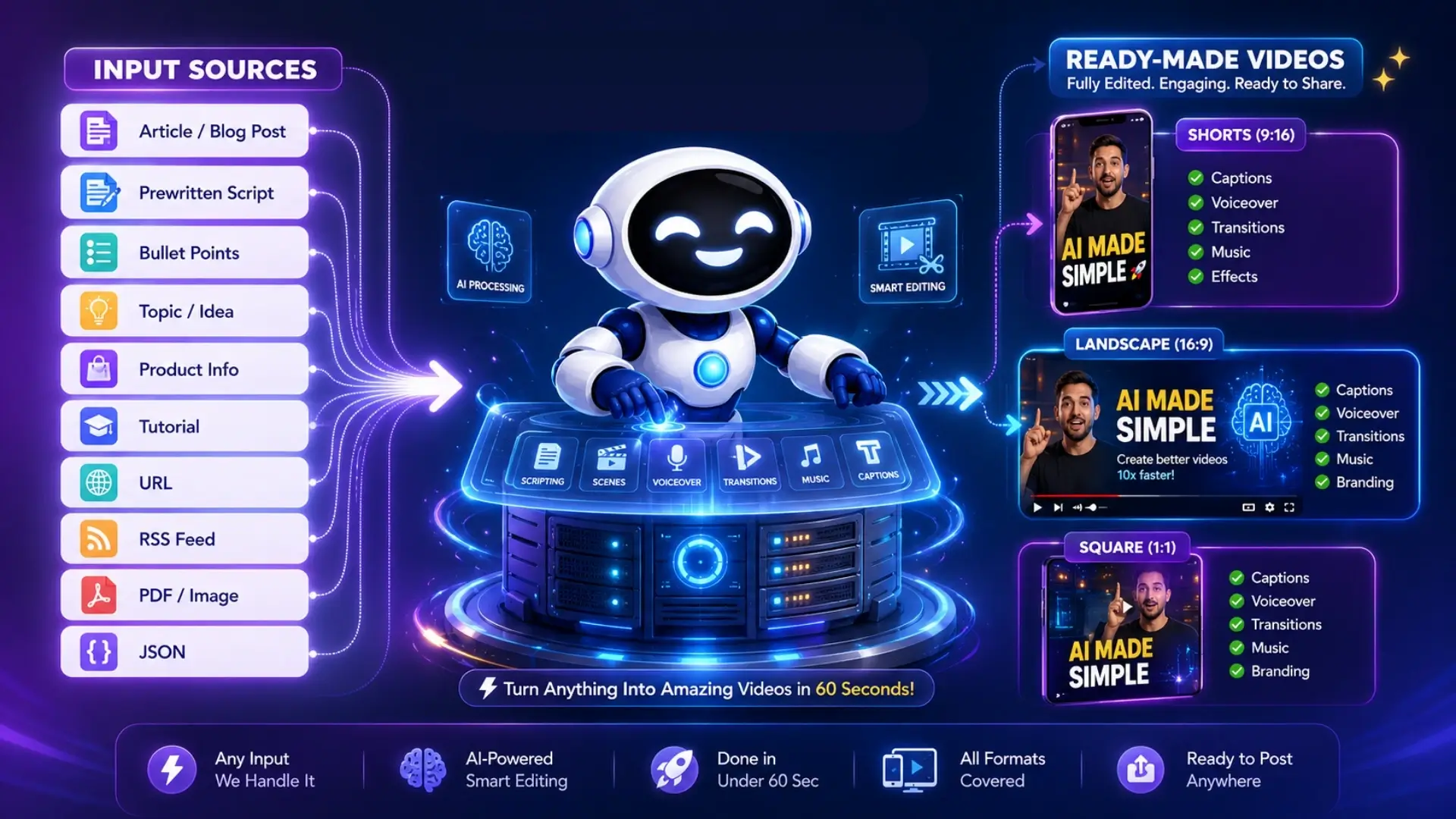
A project can begin with only a brief concept, or users can provide more detailed material such as a script, a webpage, a blog post, a product URL, or their own media. StudioCut then turns that source material into a structured video by deciding what should appear on screen, how the story should progress, and how the different parts should work together.
The platform revolves around its AI Director and AIEdit™ technology. Together, they manage the creative direction and video assembly process so each project comes out as a unified production rather than a series of unrelated generated assets.
The overall concept is simple: StudioCut acts like an AI-powered production team that helps users plan, create, edit, and prepare video content from one place.
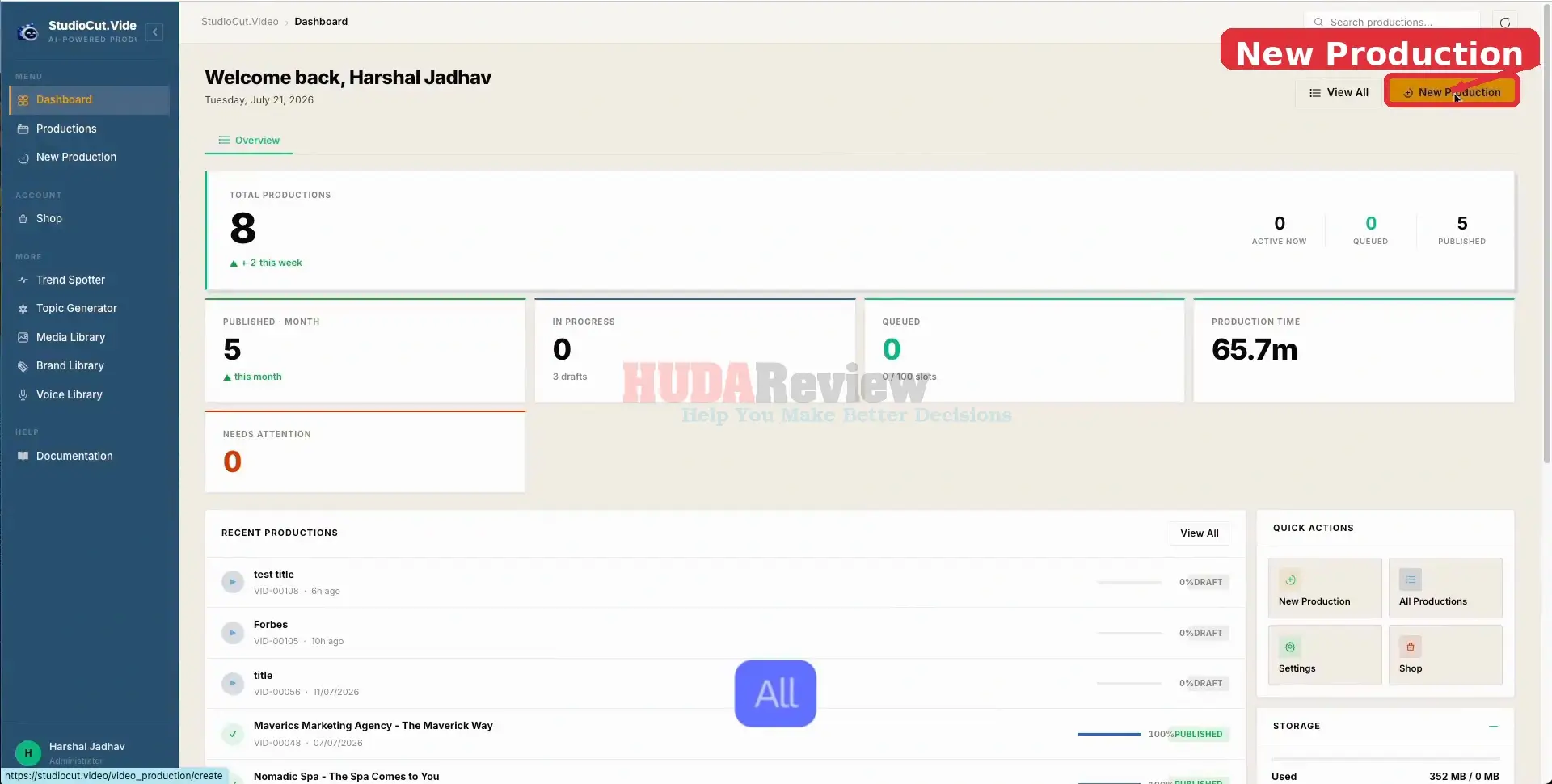
You can create ready-to-post videos with StudioCut in 3 simple steps:
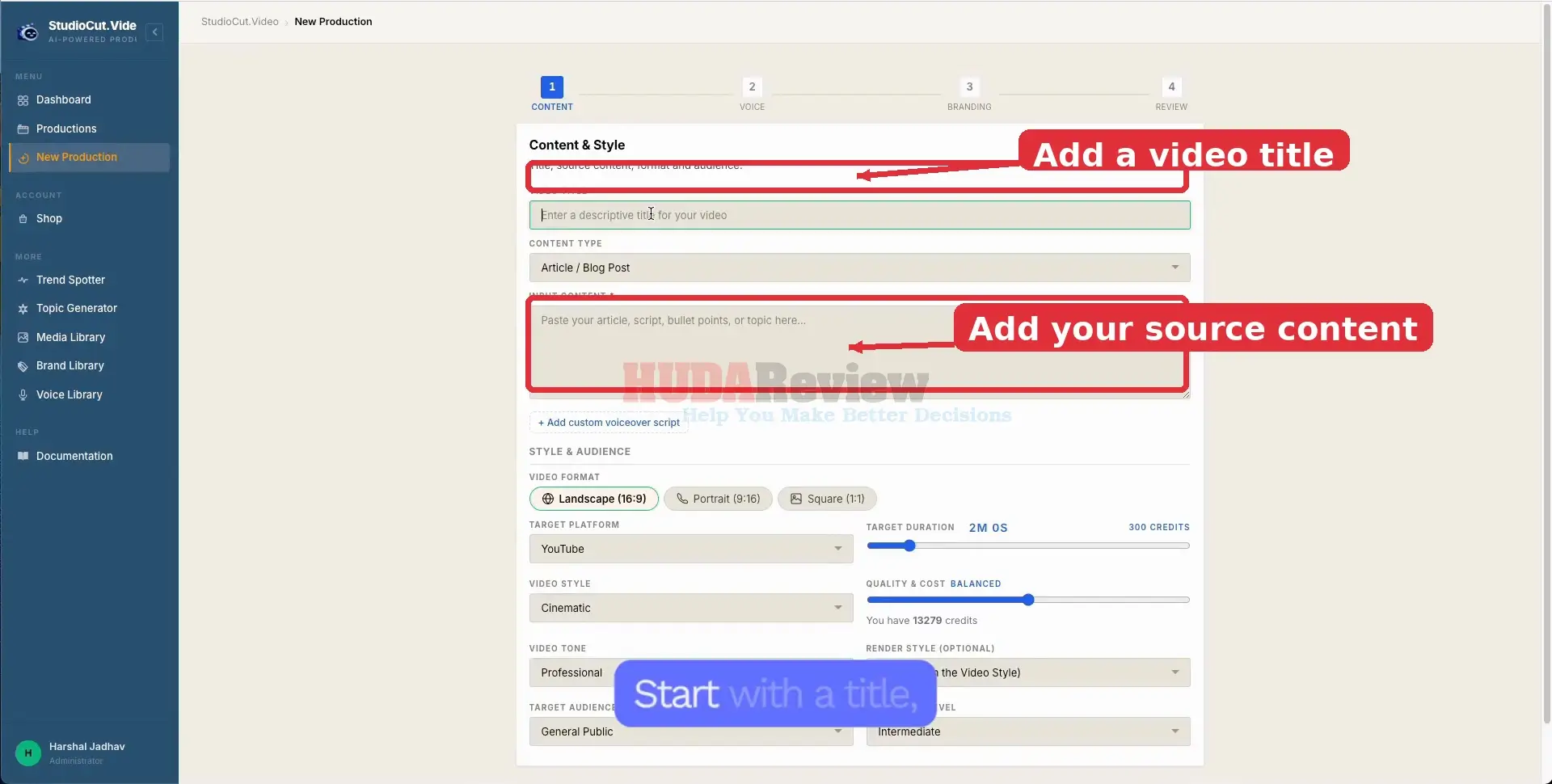
Step 1: Add Your Content.
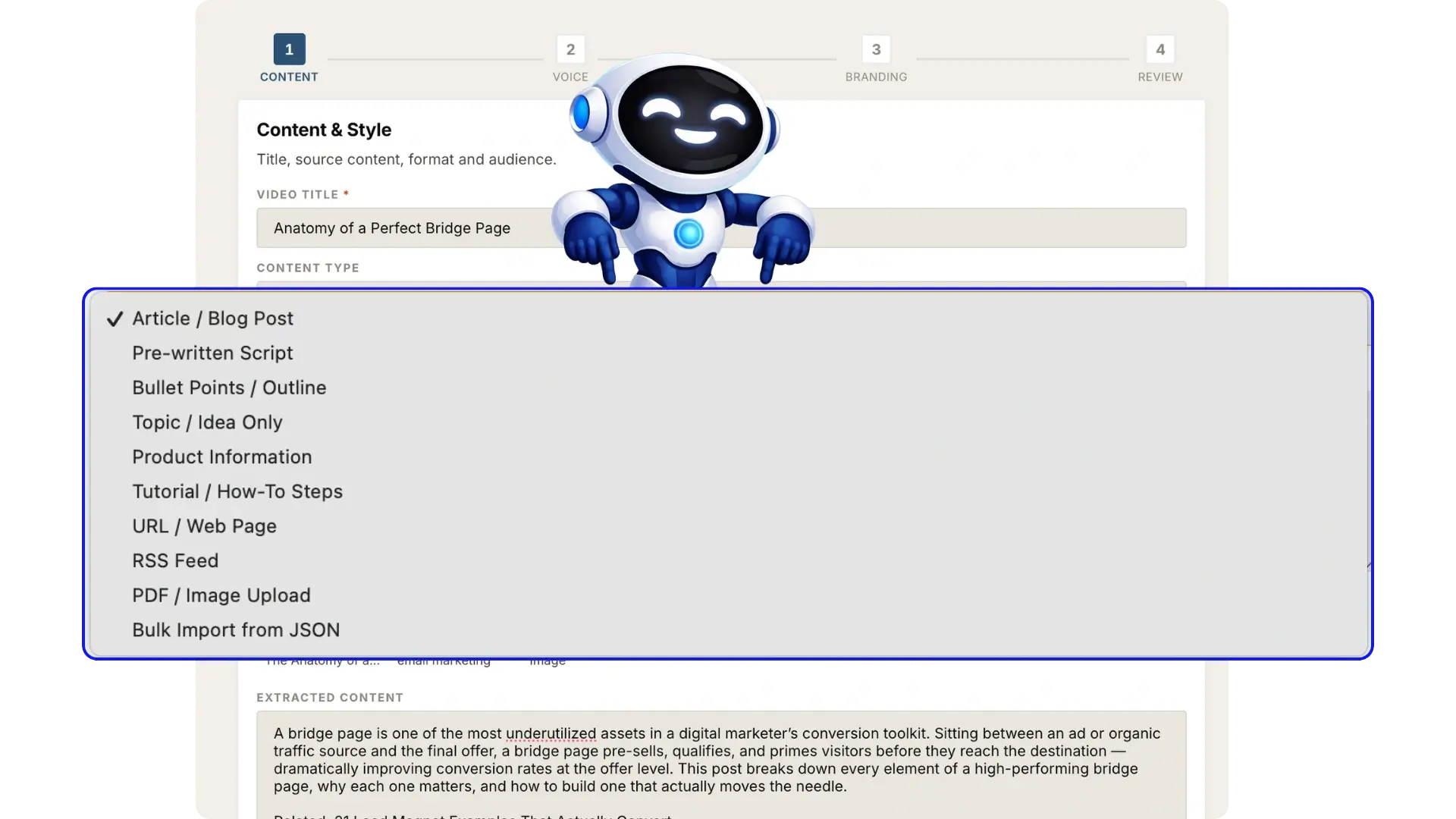
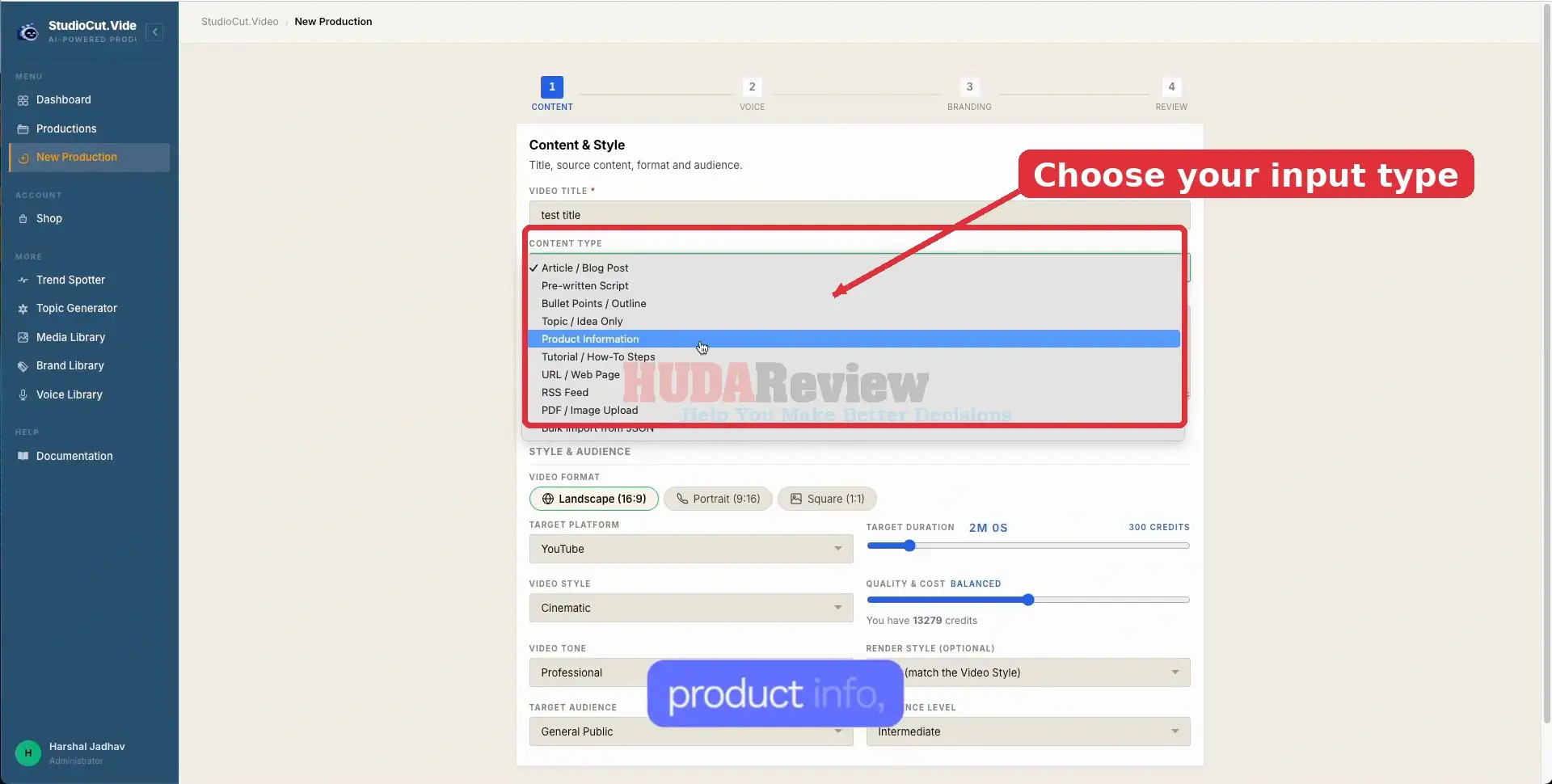
Enter an idea, script, blog post, product URL, notes, or upload your own media.
Step 2: Let StudioCut Create The Video.
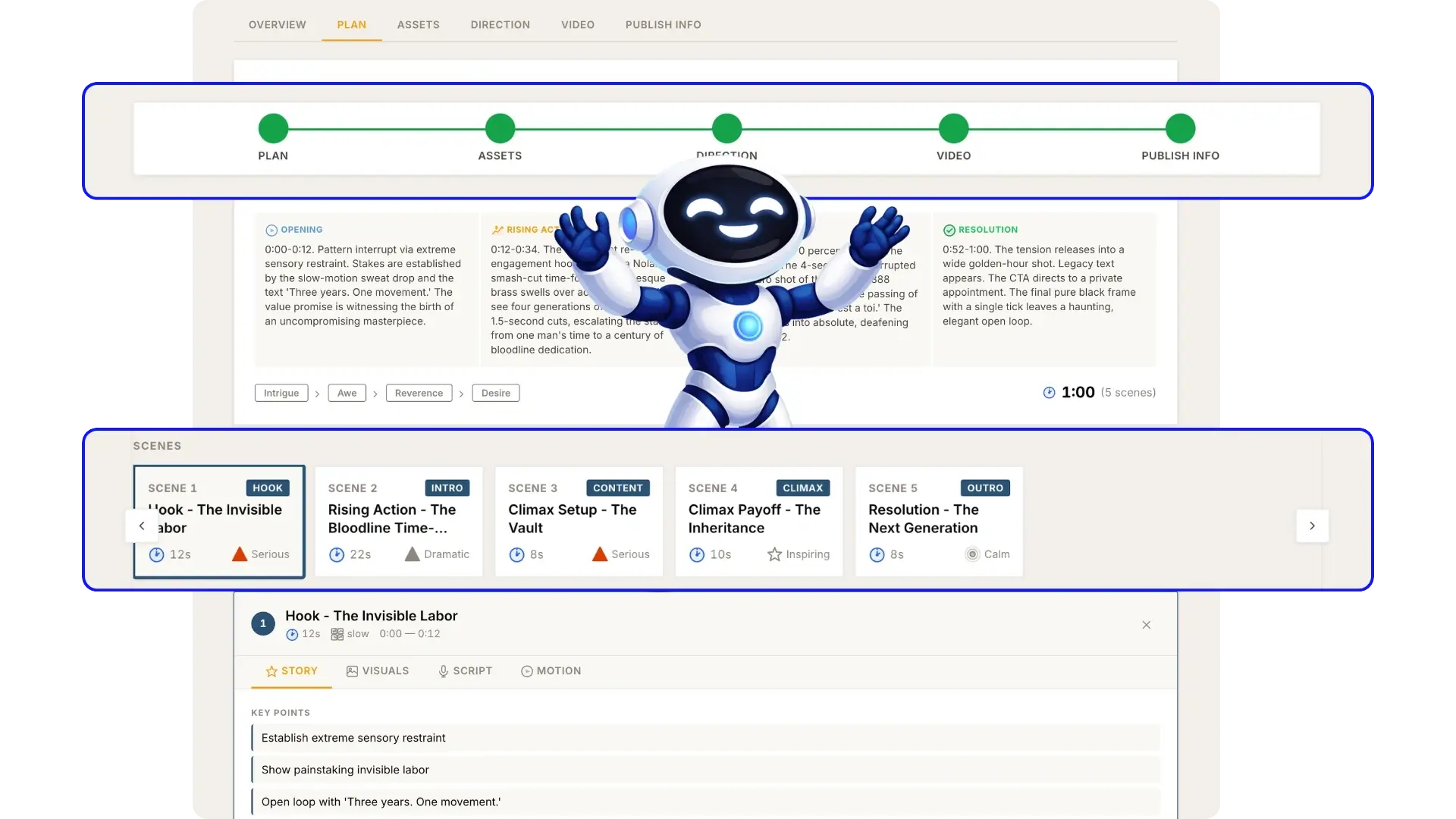
StudioCut plans the scenes, generates the visuals and voice, then edits everything into a complete cinematic video.
Step 3: Customize Or Publish.
Make scene-by-scene changes when needed, or download and publish the finished video right away.
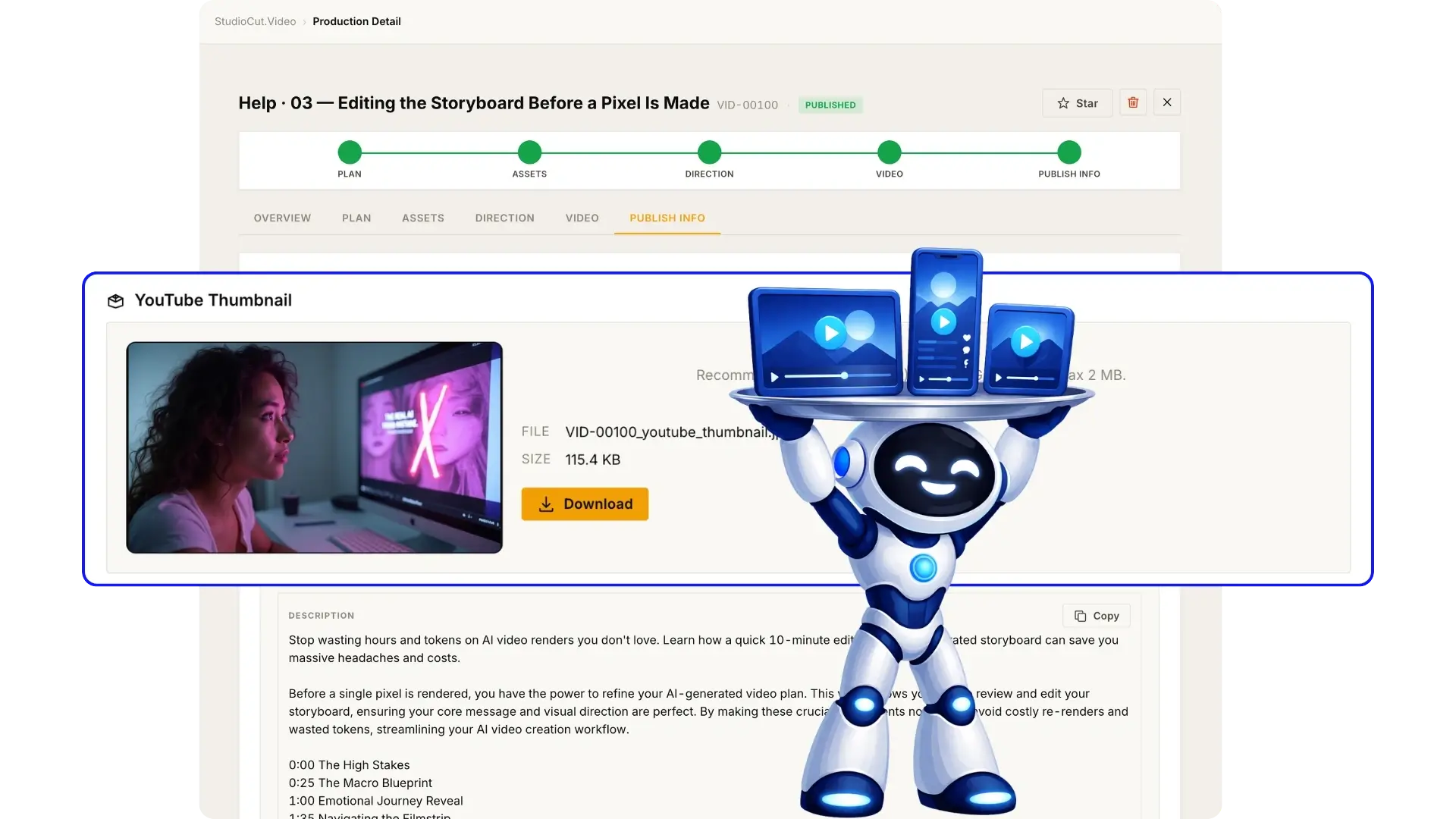
StudioCut Platform: The Platform Details

| Creator | Harshal Jadhav et al. |
| Product | StudioCut Platform |
| The official page | >>Click here to access |
| Front-end price | $37 (one-time payment) |
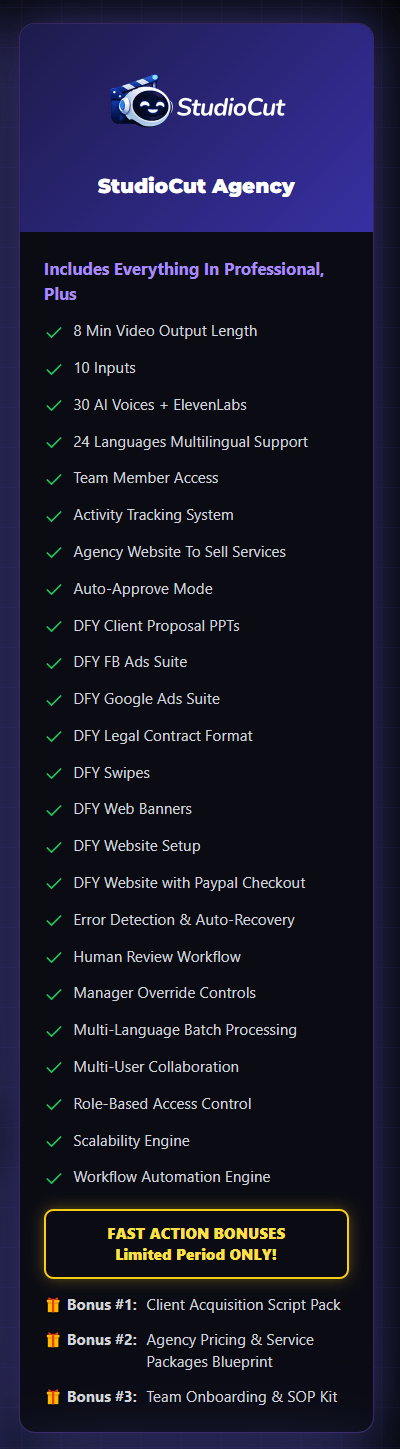
| All-in-one StudioCut Bundle | YES. Click Here To Access This Bundle Deal |
| The Bundle’s price | $247 (one-time payment) – After adding my $50 off code. |
| Discount code for the Bundle | Add my code cut to get $50 off the StudioCut Bundle. |
| Category | AI Video Creation & Editing |
| Monthly Software Fee | No mandatory monthly subscription during the launch offer |
| Commercial License | Included |
| Skill Level | Beginner-friendly |
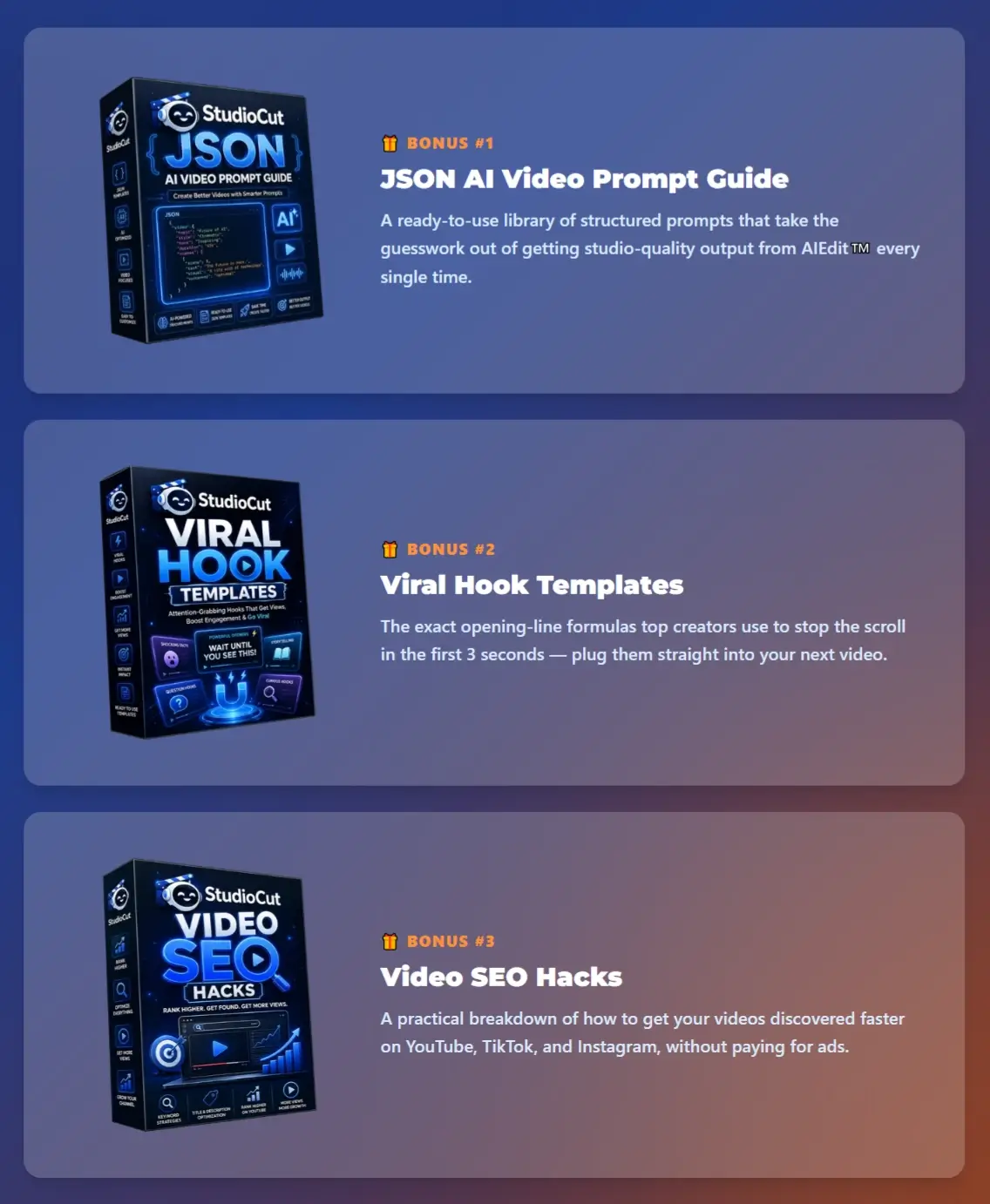
| Bonus | Yes, Huge Bonus |
| Guarantee | 30-day money-back guarantee! |
| Support | Vendor Support Desk: https://studiocut.video/contact.html
HudaReview Support Email: hudareviewbonus@gmail.com |
The Main Idea Behind StudioCut
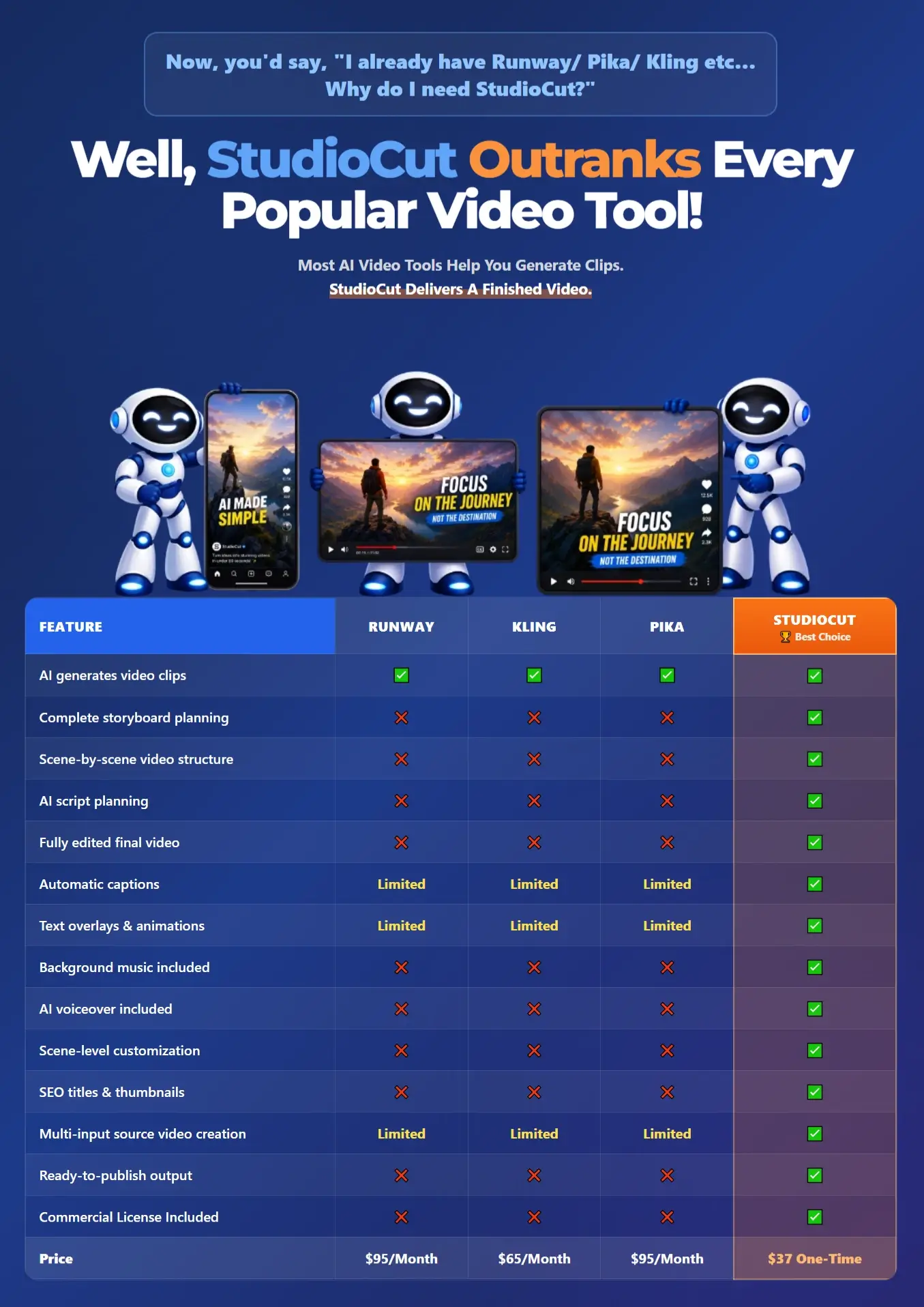
The AI video market already has plenty of tools capable of producing visually impressive footage.
The harder part comes after generation.
A usable marketing or social video normally needs a clear sequence:
Idea → Script → Storyboard → Scenes → Visuals → Voice → Music → Captions → Transitions → Final Render → Publishing Assets.
StudioCut puts those stages into one production workflow.
Its AIEdit™ technology handles the creative and technical stages that usually sit between an initial prompt and the finished export. The software plans the video, creates its scene structure, generates assets, assembles those elements, and prepares the final piece for publishing.
That makes StudioCut particularly interesting to marketers and business owners. Many of them care far more about producing usable content quickly than learning professional video-editing software.
Meet The Creator Behind StudioCut

Harshal Jadhav is an experienced digital entrepreneur, marketer, and software creator who has been active in the online marketing industry for many years.
He is known for developing software that helps marketers handle tasks such as video creation, content production, audience engagement, and promotional campaigns. His previous products include VidScratch, QuizTarget, VidViral, SpyStream, and NicheFlicks AI, among several other releases.
Much of his work has focused on making creative and marketing tasks easier through software, so StudioCut fits well with the direction of his previous products. This time, the focus moves deeper into AI video production, with the platform handling much more of the creation and editing process automatically.

The Automation Features Inside
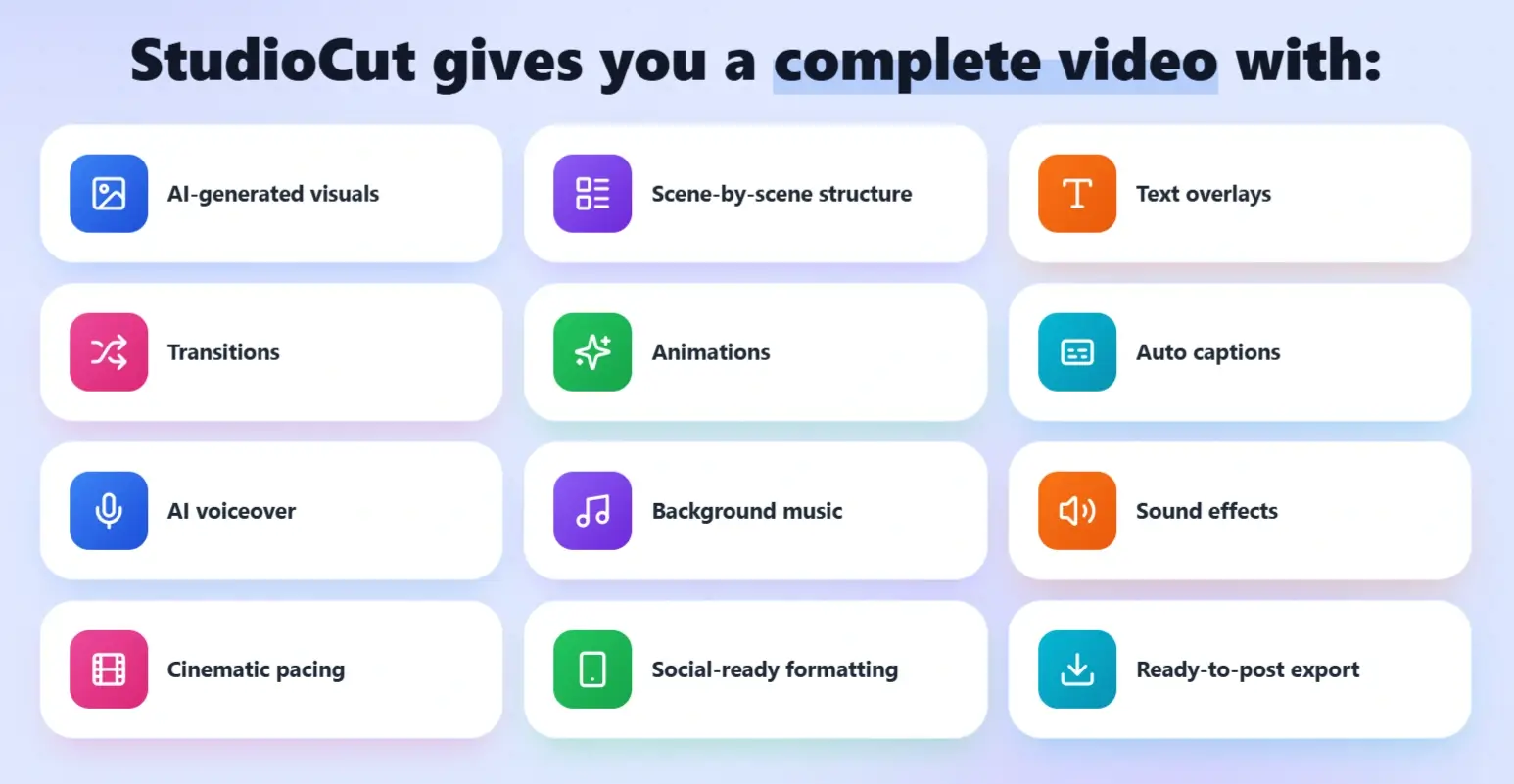
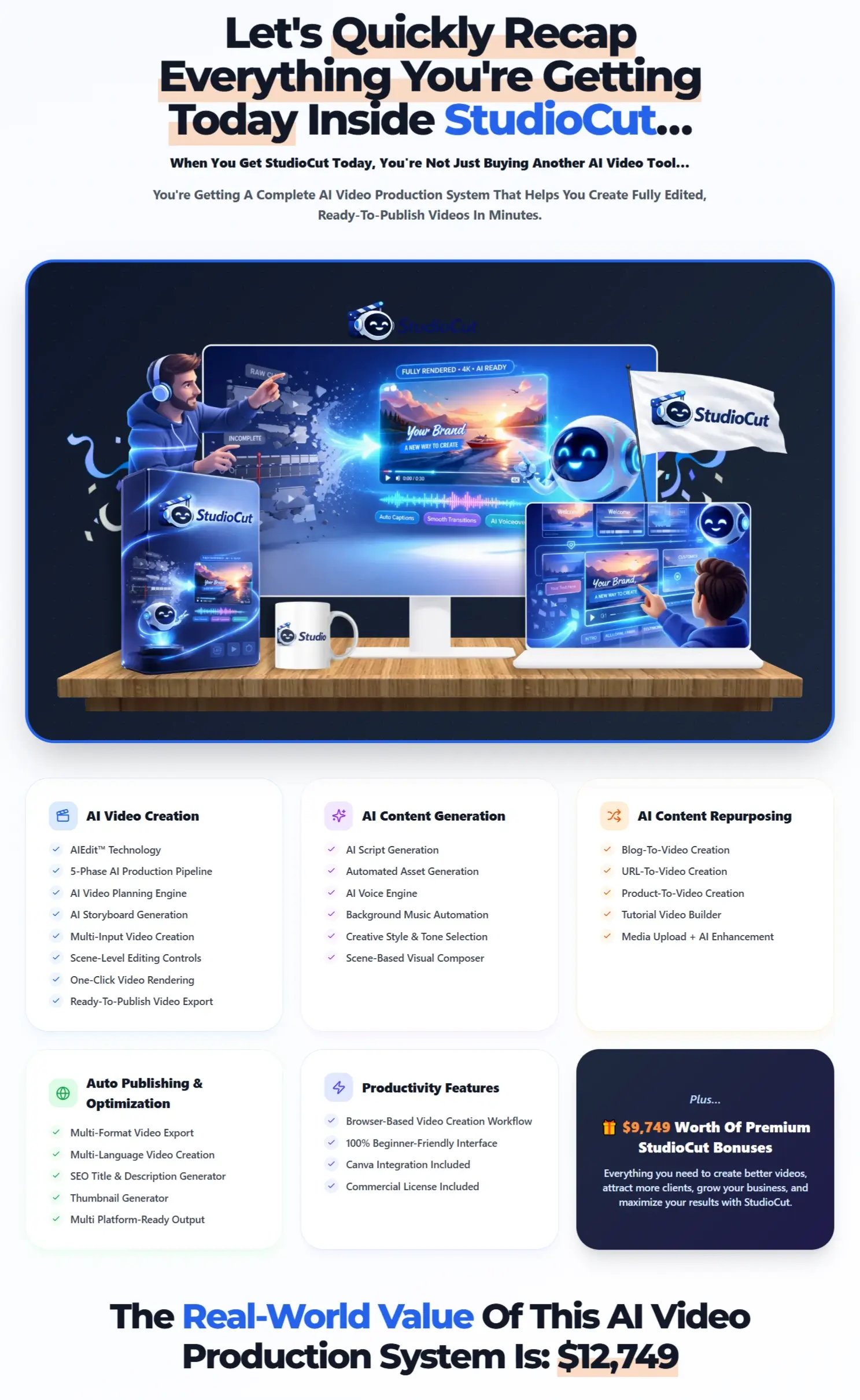
StudioCut covers the full video creation process, giving users the tools to plan, create, refine, and publish polished videos from one place.
✅ World’s First AIEdit™ Technology.
StudioCut goes beyond generating individual clips by turning them into a complete video with text, transitions, animations, sound, and voiceover already included.

✅ 5-Phase AI Production Pipeline.
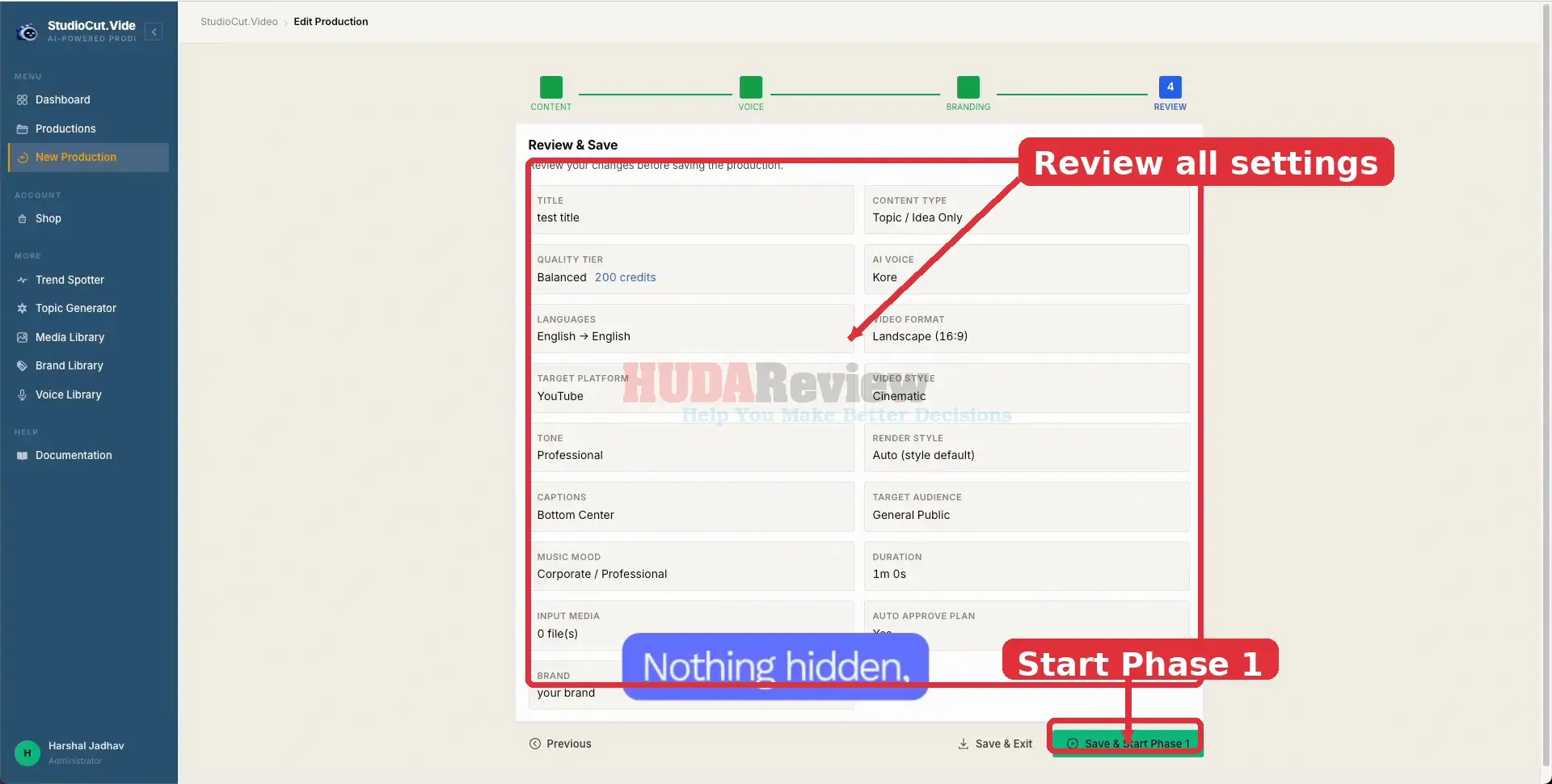
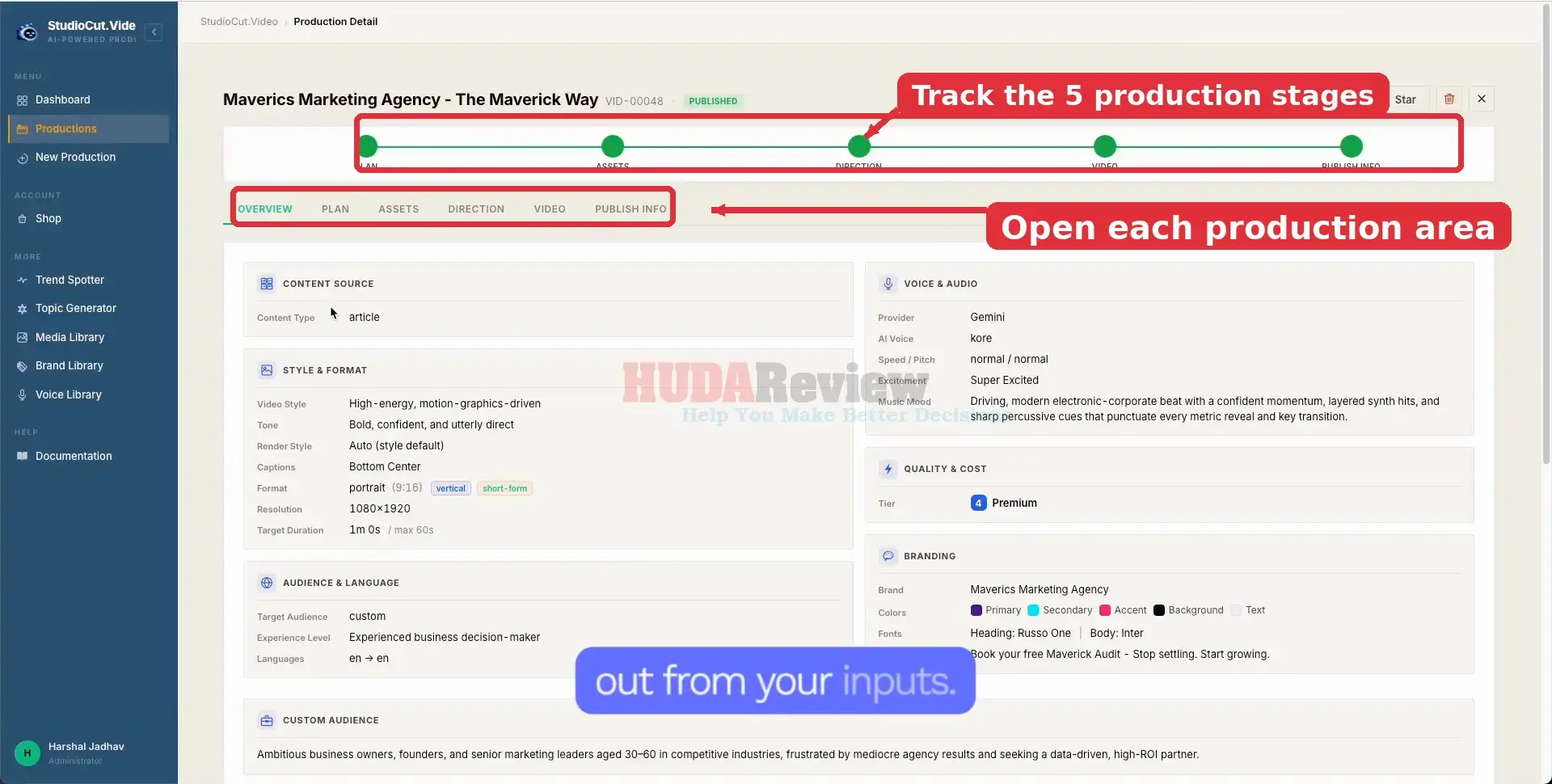
The platform manages the entire journey through planning, asset creation, scene development, rendering, and final publishing preparation.
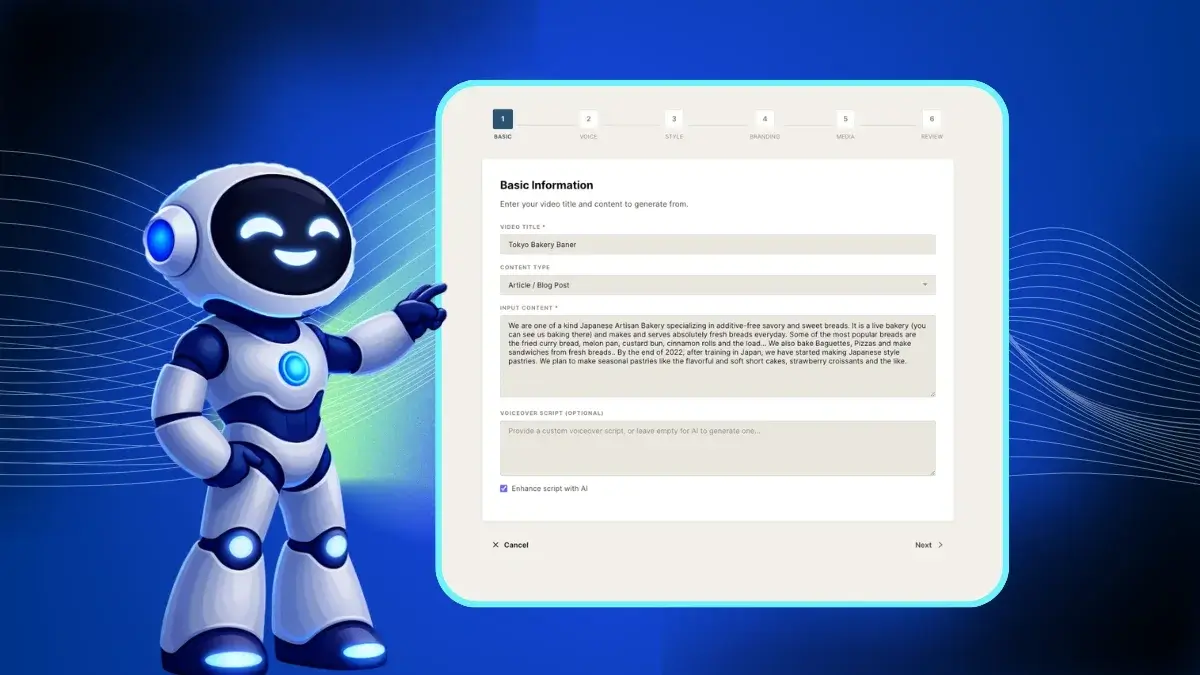
✅ AI Video Planning Engine.
StudioCut can shape the story, break it into scenes, prepare the script, and decide the visual direction, helping users move quickly from an idea to a clear video structure.

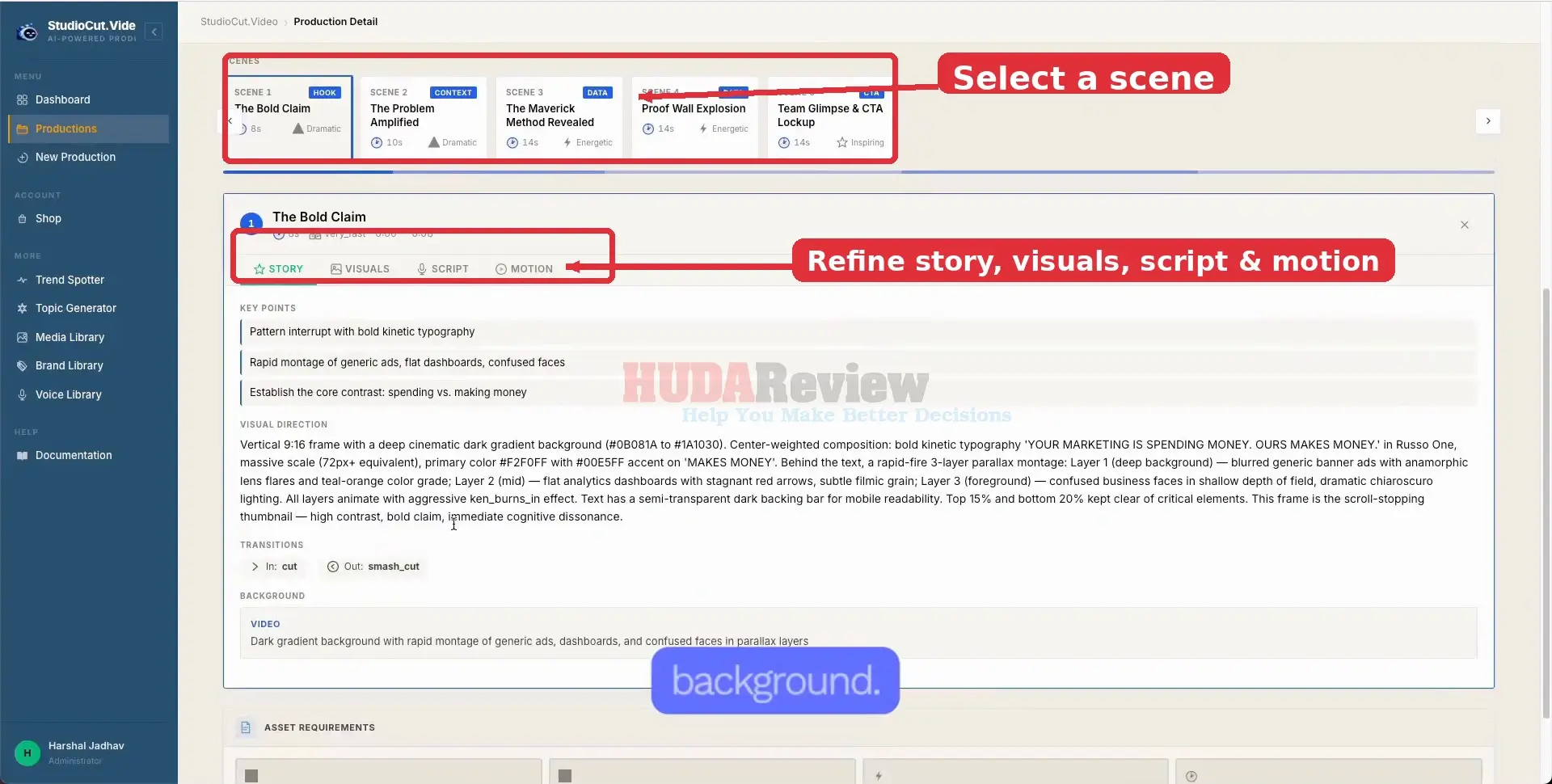
✅ Scene-Level Editing Controls.
Each scene can be adjusted individually, including its script, visuals, timing, and animations, giving users more creative control without dealing with a complicated editing timeline.
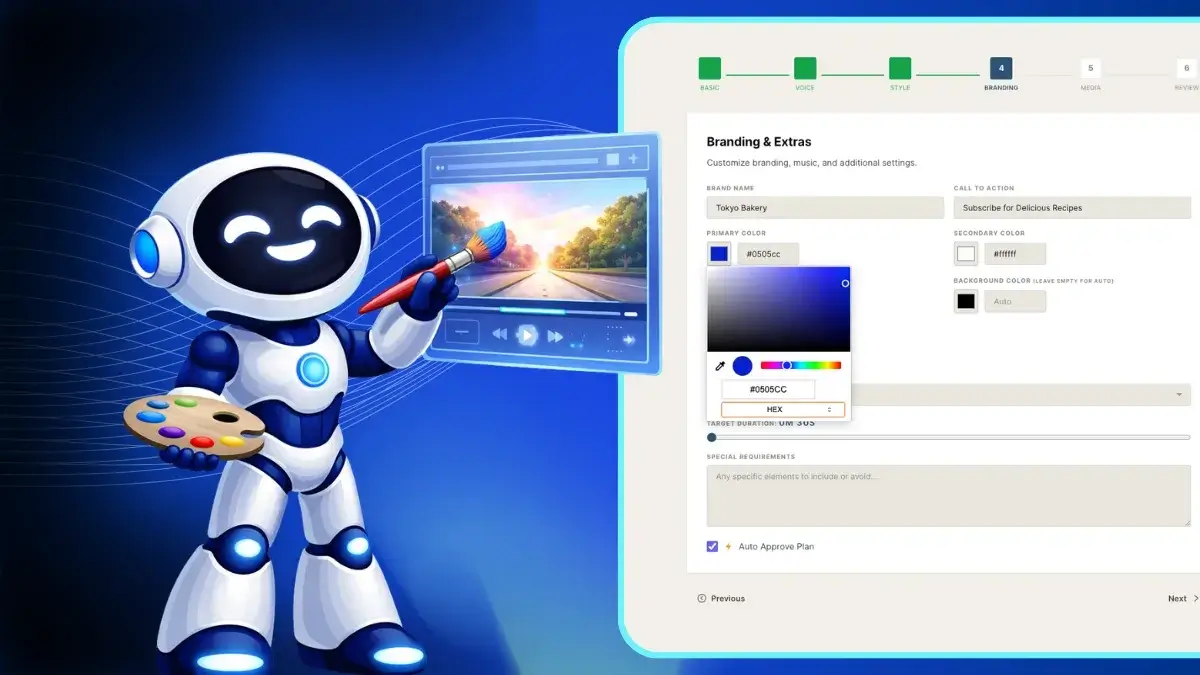
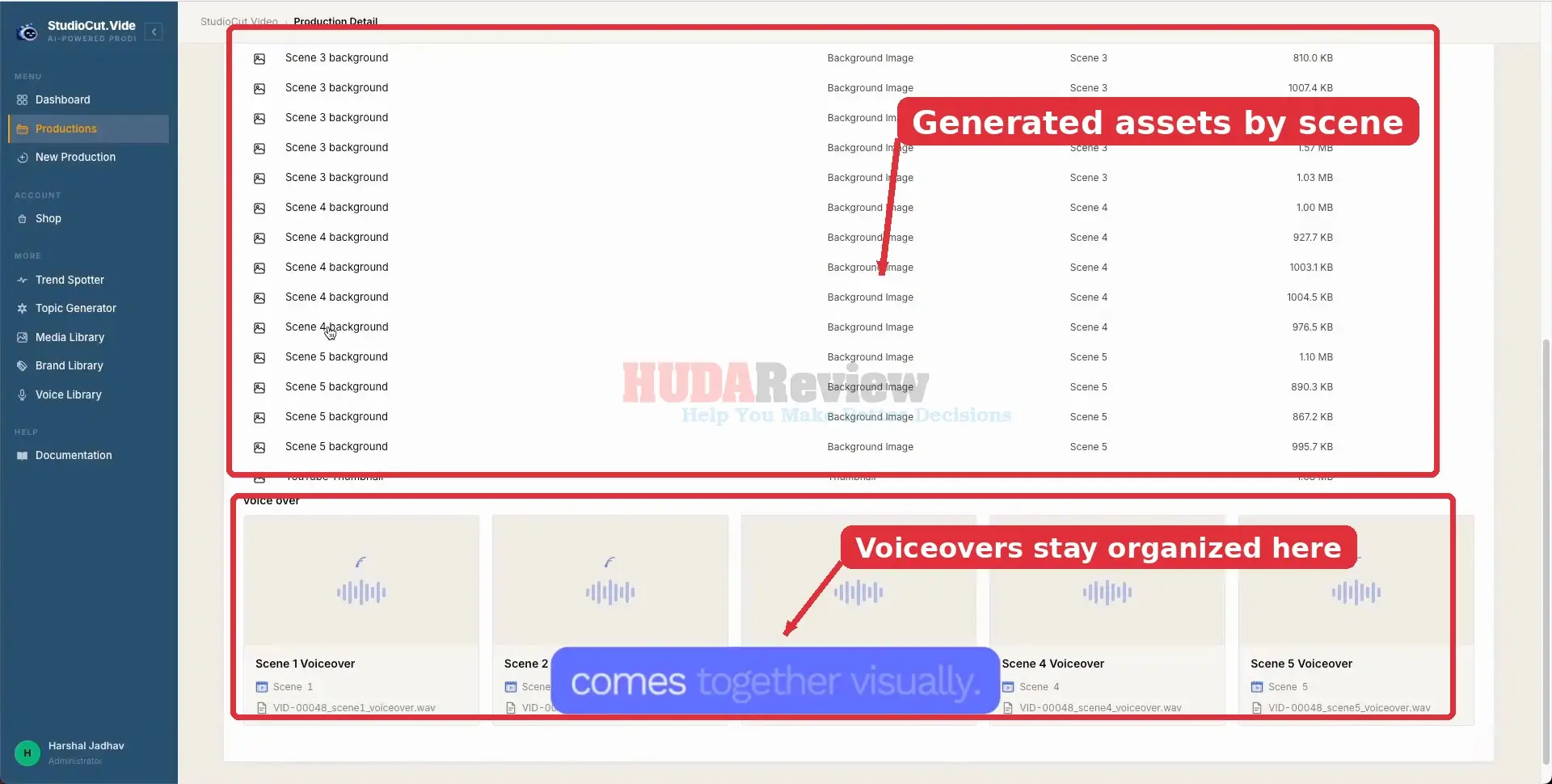
✅ Automated Asset Generation.
StudioCut can create the visuals, voiceovers, music, and video clips needed for each scene, reducing the need for separate creative tools.

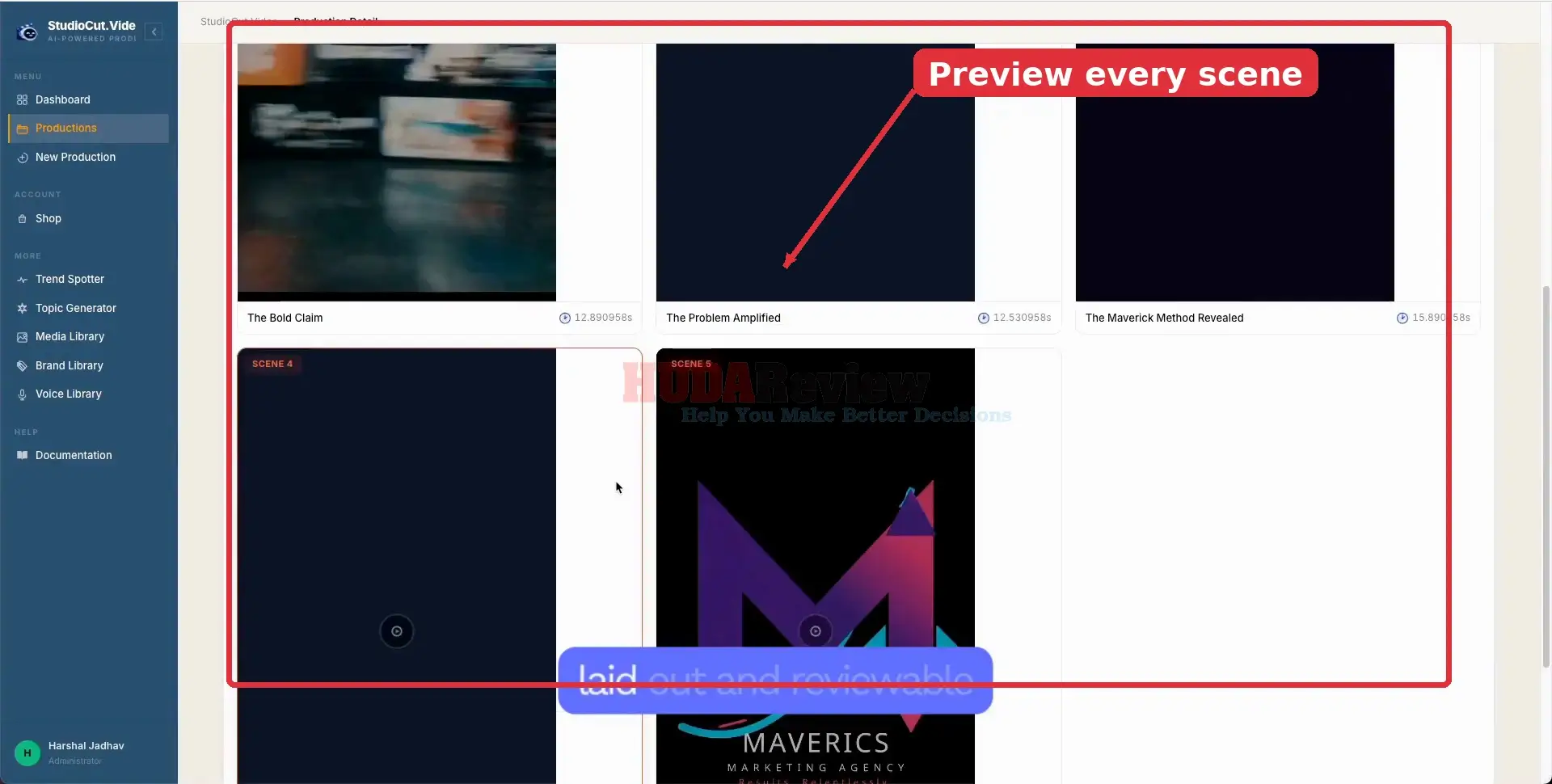
✅ Scene-Based Visual Composer.
The system brings scenes together with layouts, overlays, transitions, and visual styling so the finished video feels cohesive and professionally assembled.
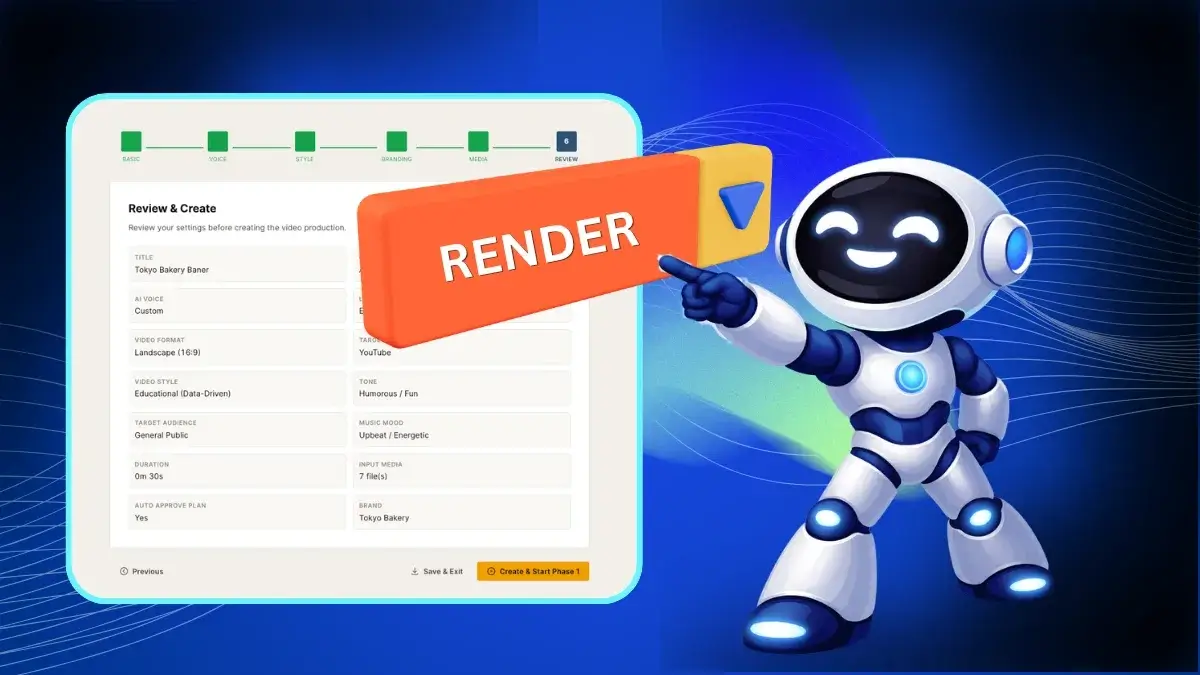
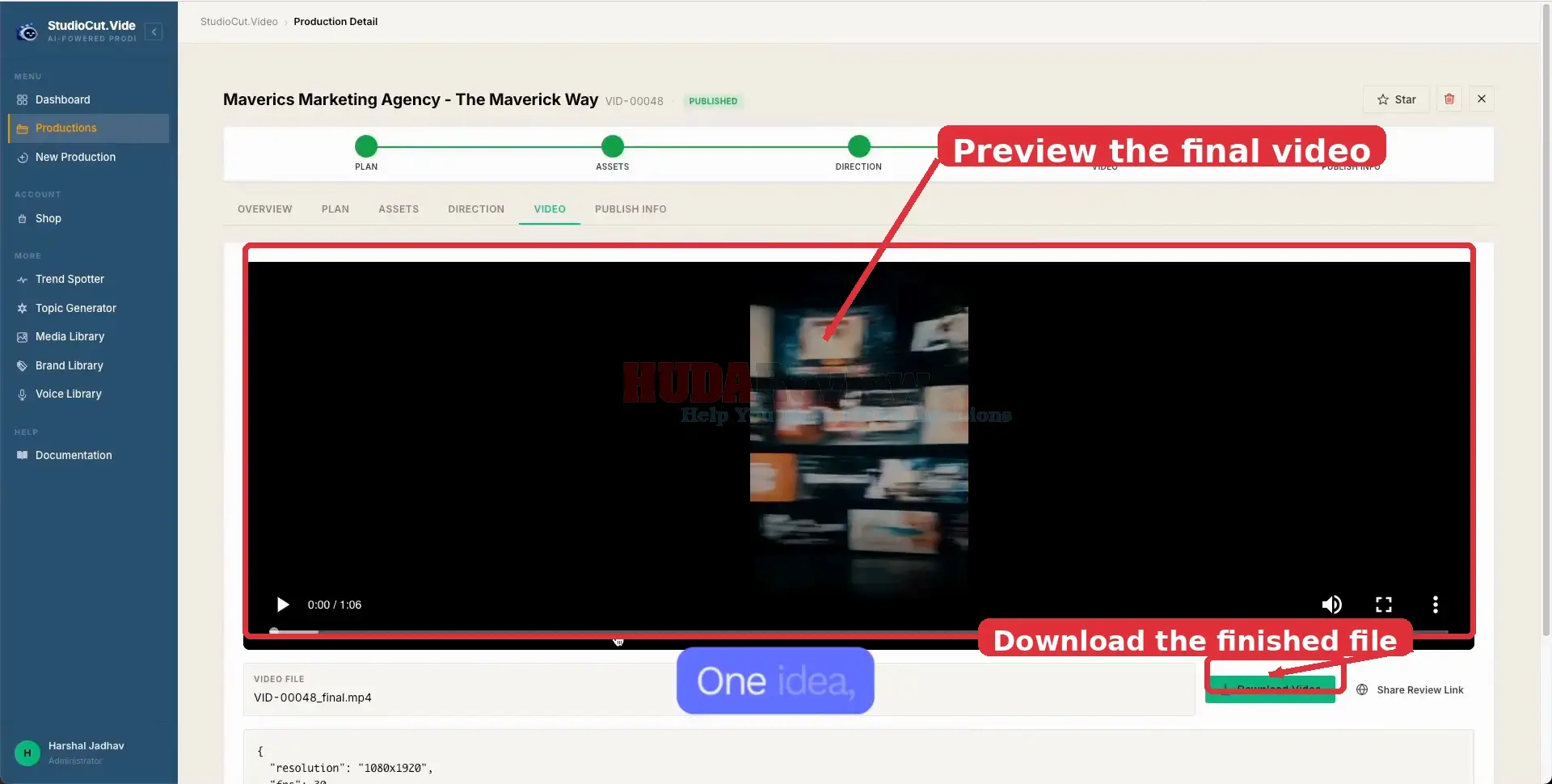
✅ One-Click Video Rendering.
Once everything is ready, StudioCut combines and synchronizes the scenes into one finished video with a single render process.
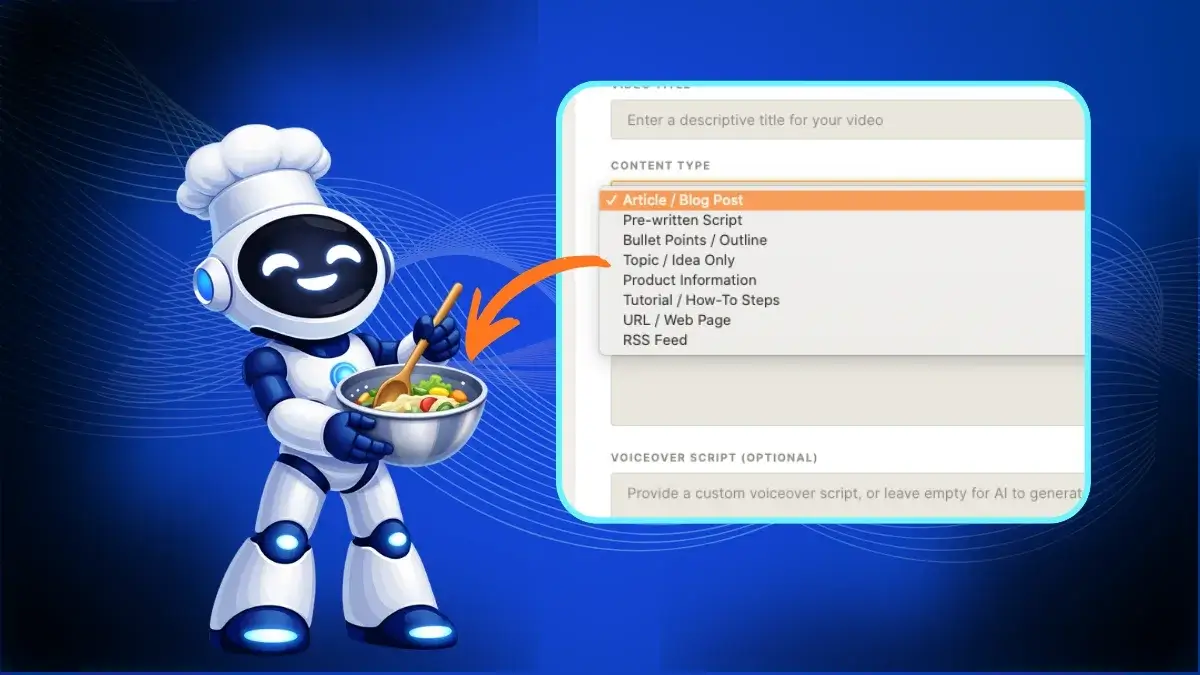
✅ Multi-Input Video Creation.
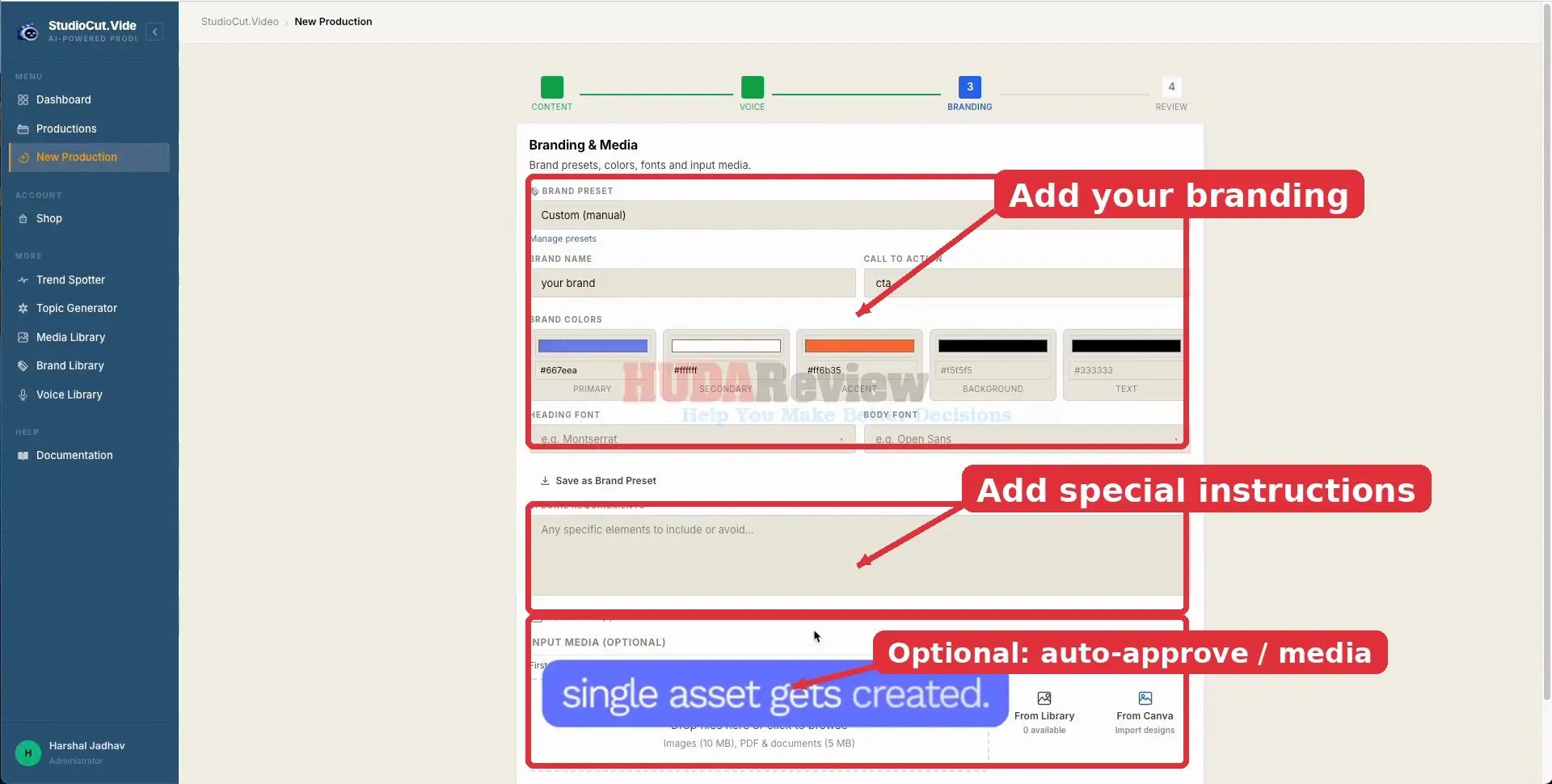
Users can create videos from prompts, blog posts, scripts, bullet points, product information, URLs, tutorials, or uploaded media, making it easy to work with content they already have.
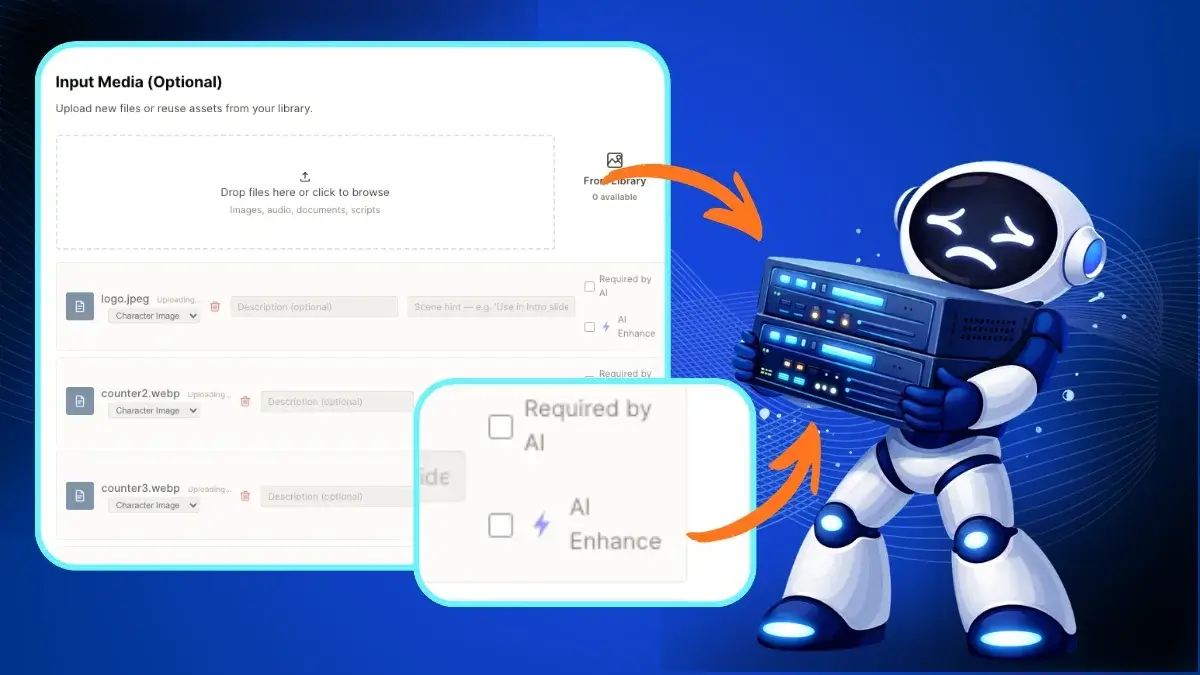
✅ Media Upload + AI Enhancement.
Images, videos, and audio files can be uploaded directly into a project, while AI enhancement helps improve and personalize the final output.
✅ AI Voice Engine.
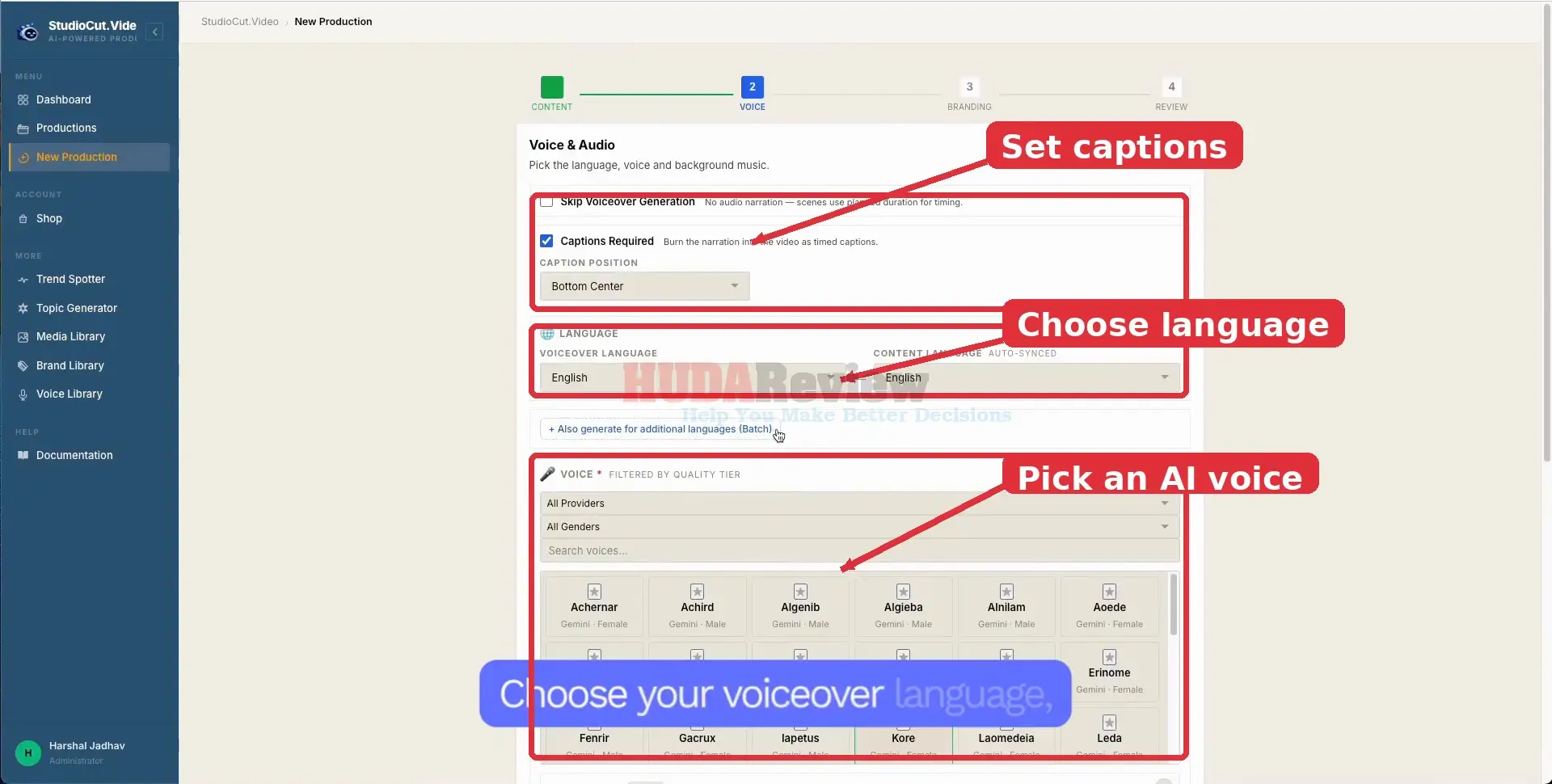
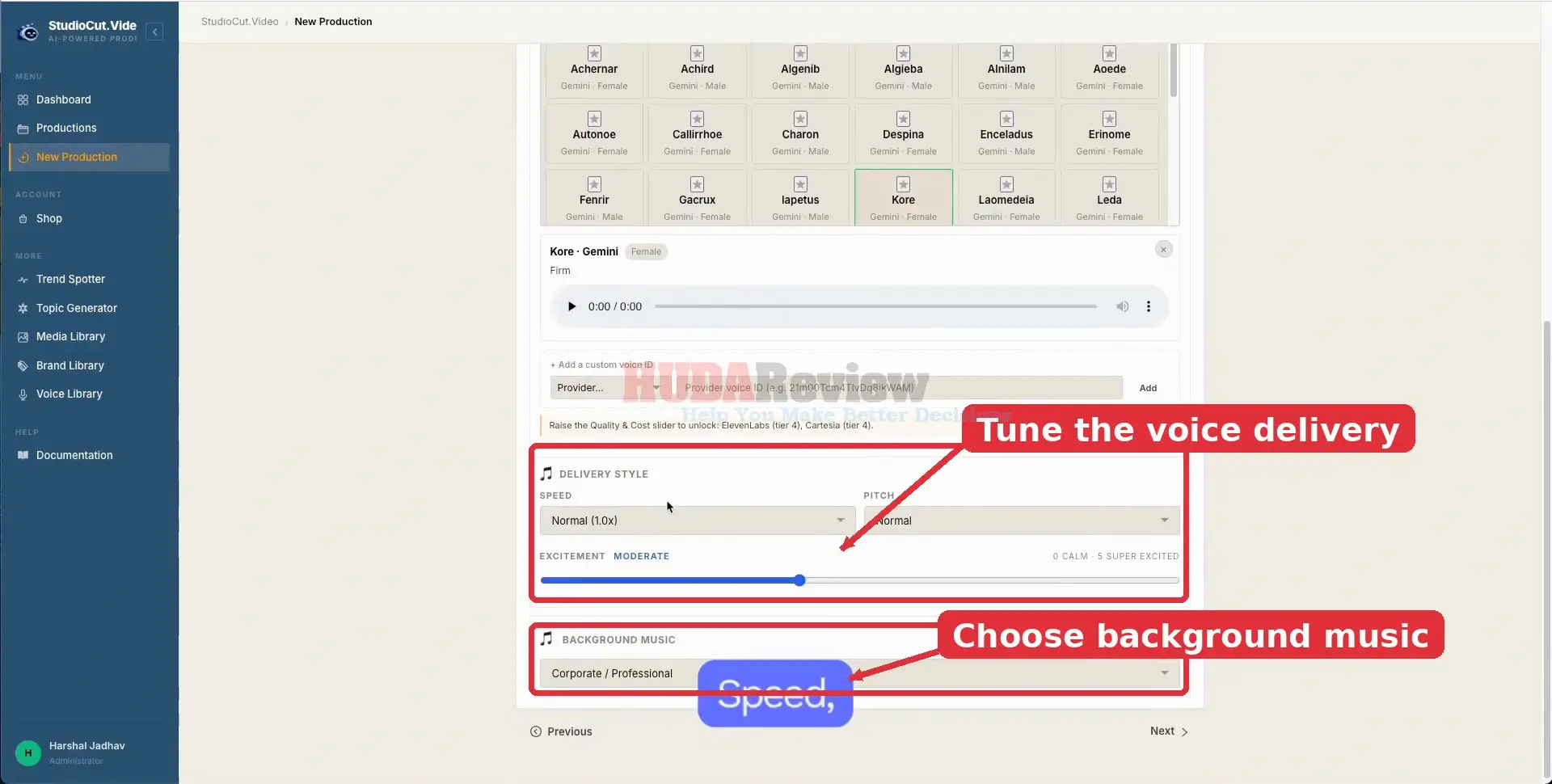
Users can choose and customize AI voices by adjusting elements such as pitch, speed, and emotion to better suit the style of each video.
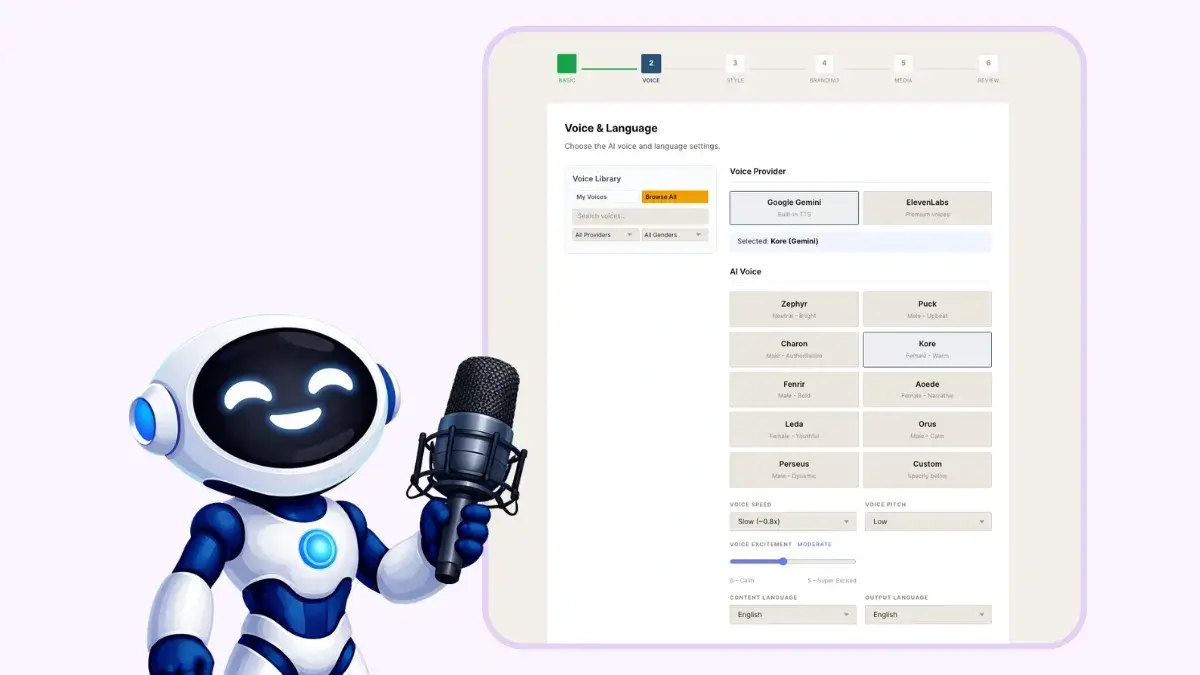
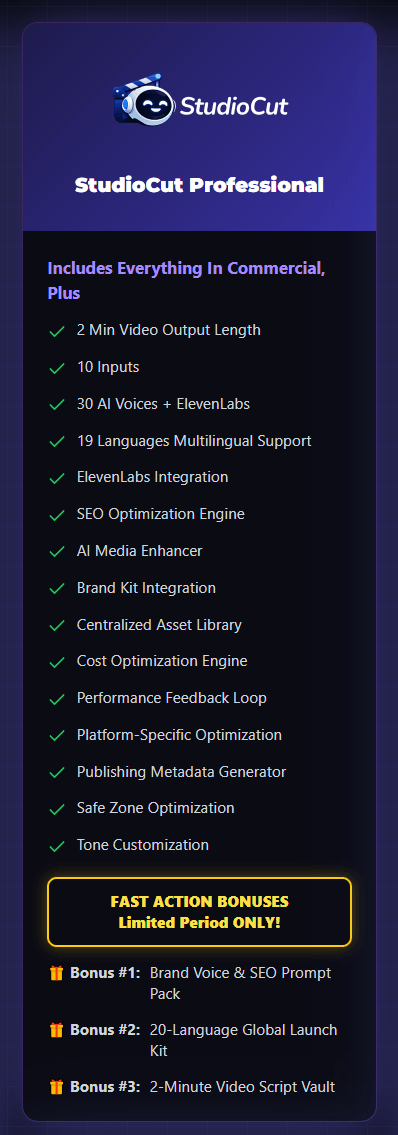
✅ Multilingual Video Creation.
StudioCut supports video creation across multiple languages, including translation and localization for reaching audiences in different markets.

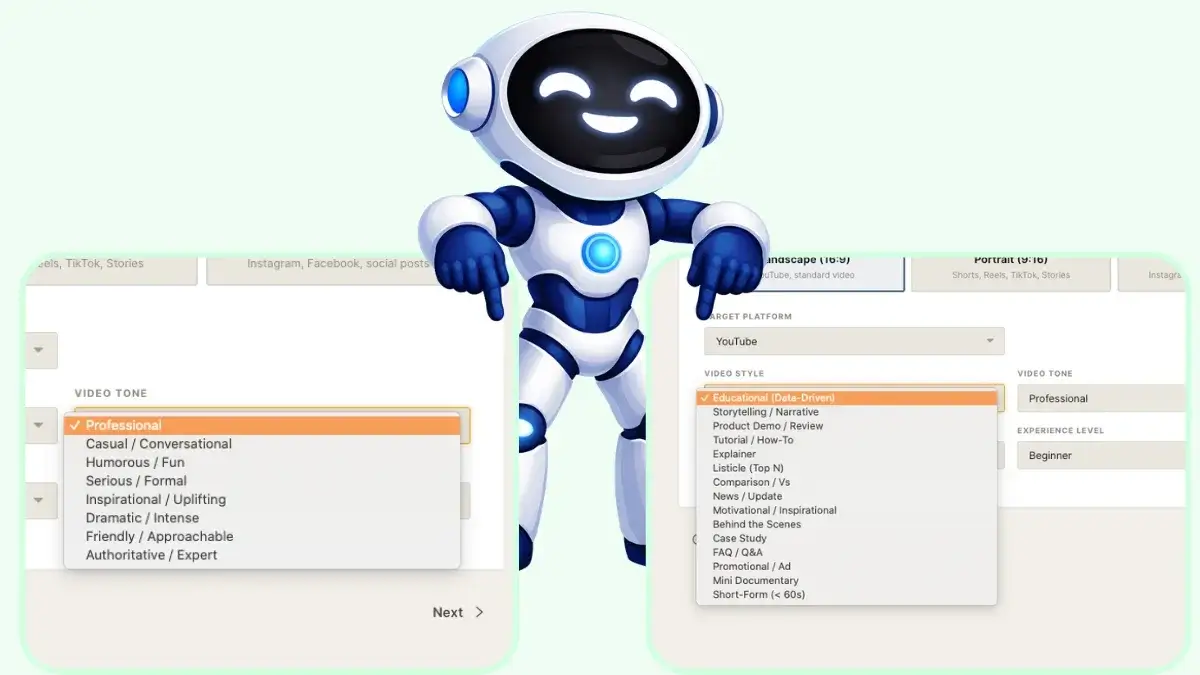
✅ Creative Style + Tone Selection.
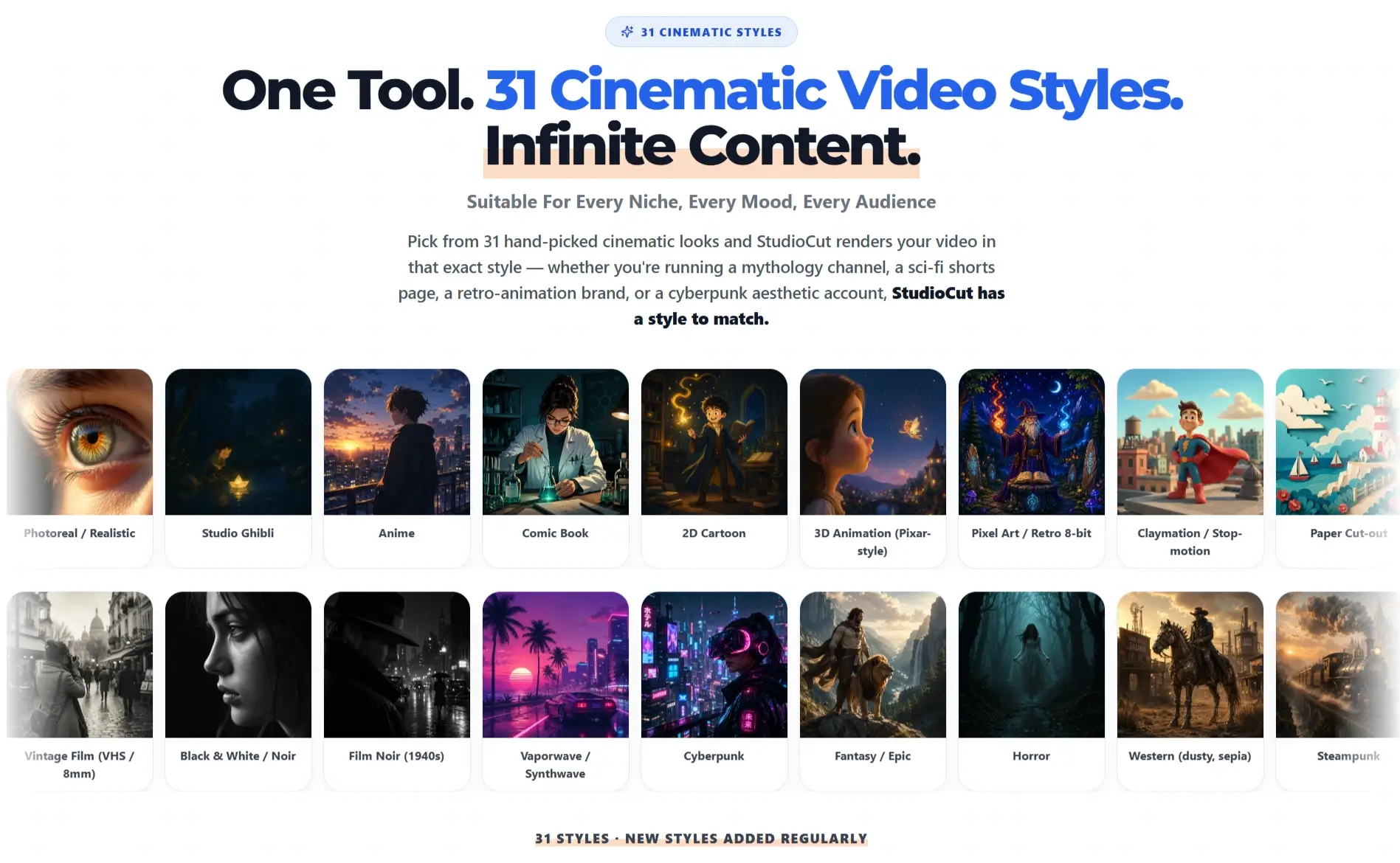
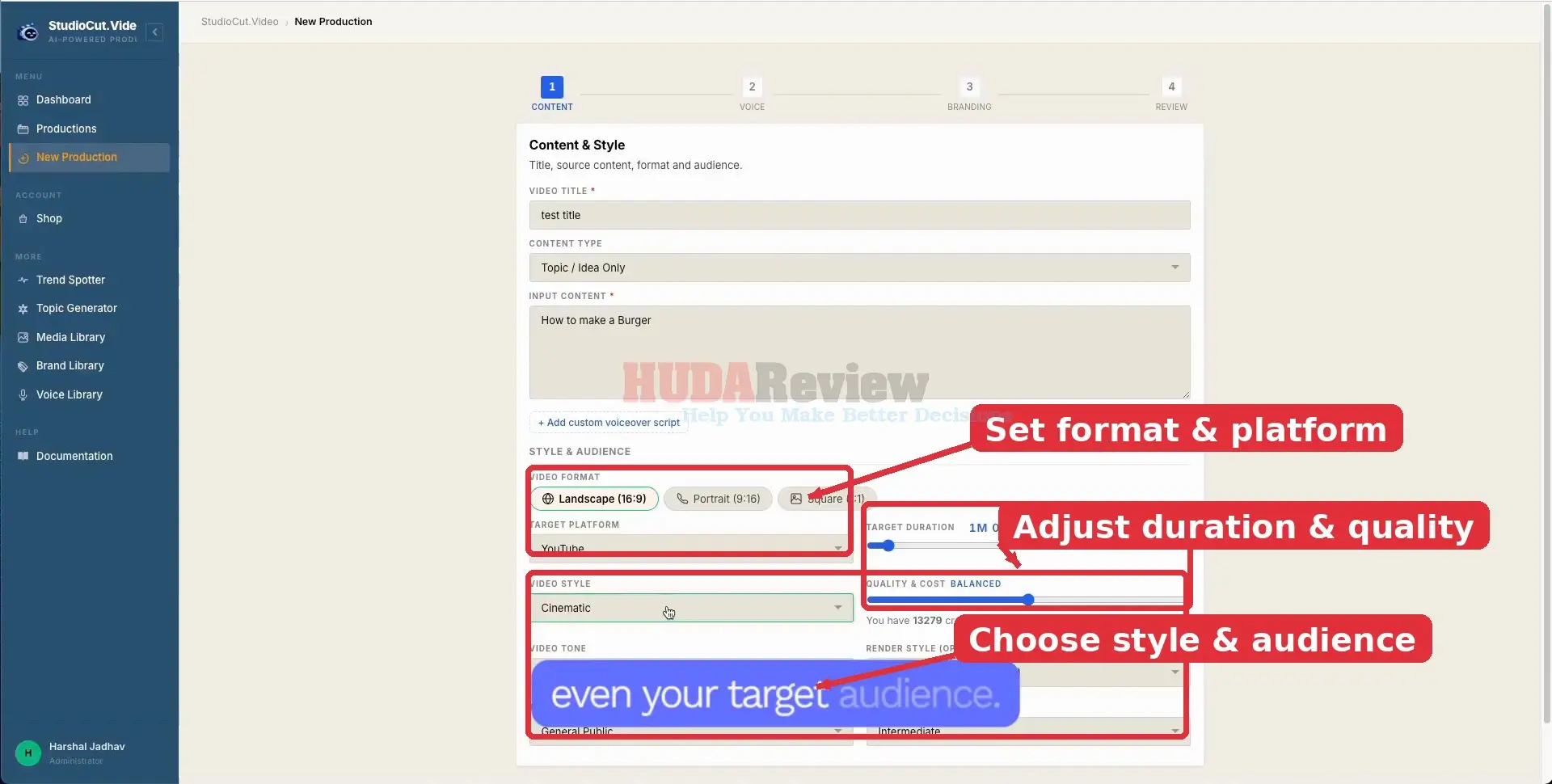
Different creative styles and tone options help users shape the overall look and feel of a video around their brand, topic, or target audience.
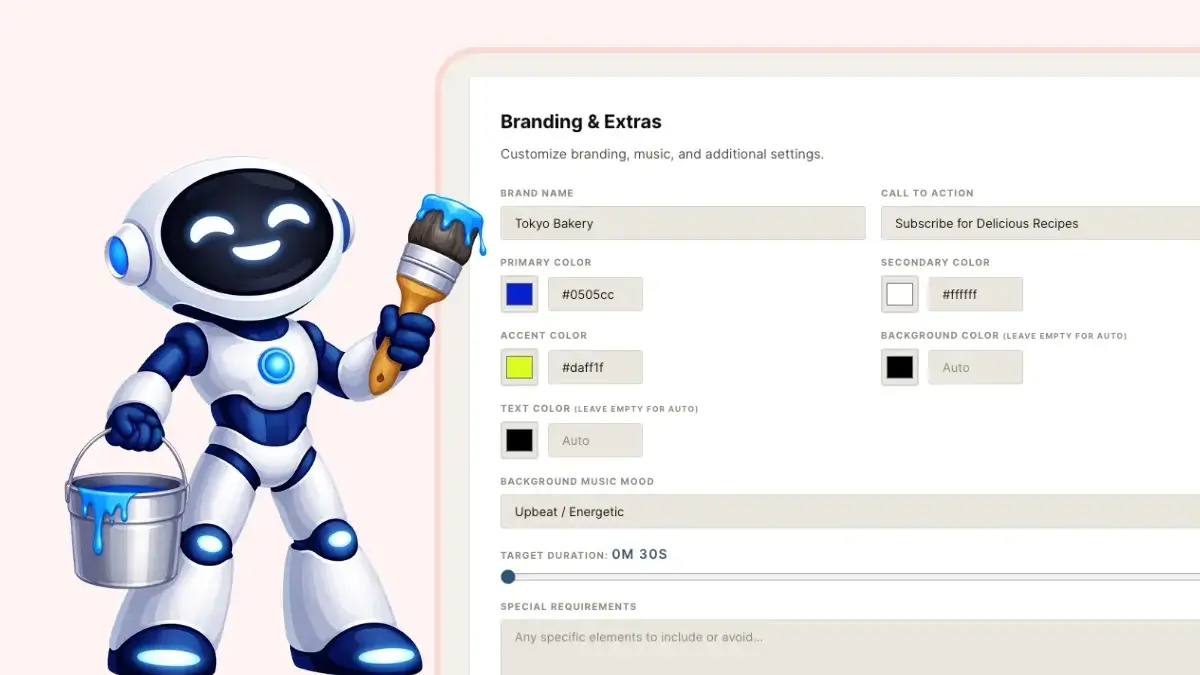
✅ Brand Kit Integration.
Logos, brand colors, music, and other identity elements can be applied across videos to maintain a recognizable and professional appearance.
✅ Multi-Format + Multi-Platform Output.
StudioCut can prepare content for platforms such as YouTube, YouTube Shorts, Instagram Reels, TikTok, and other popular video channels.

✅ Platform-Specific Optimization.
StudioCut adjusts factors such as layout, timing, and safe zones to better match the requirements of each publishing platform.

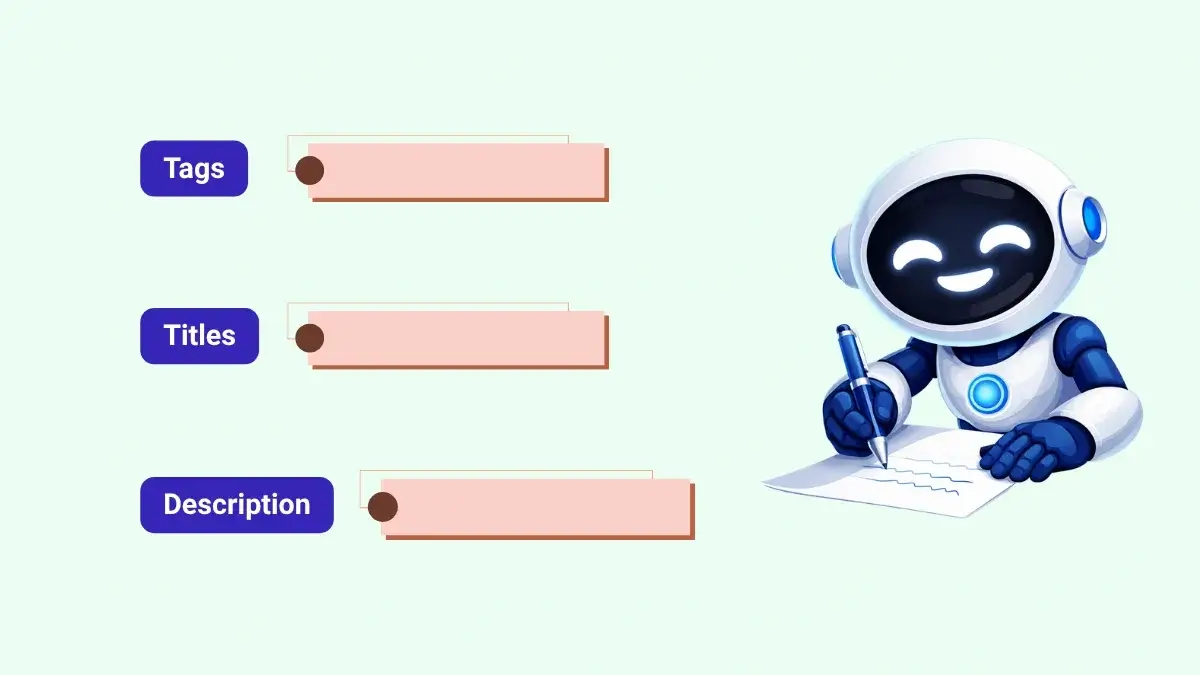
✅ Publishing Metadata Generator.
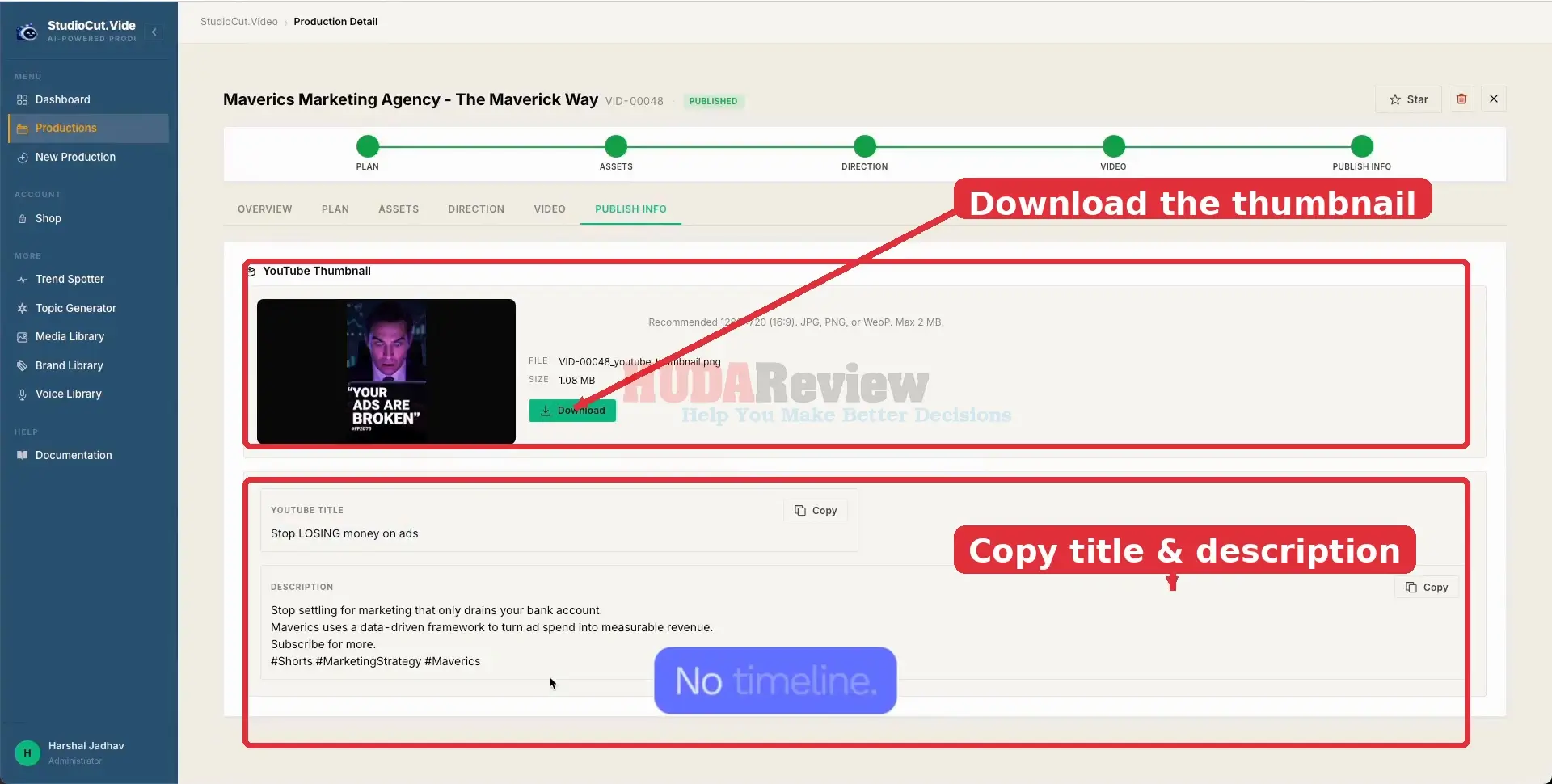
StudioCut can also prepare supporting content such as video titles, descriptions, tags, and thumbnails to speed up the publishing process.
✅ Content Repurposing Engine.
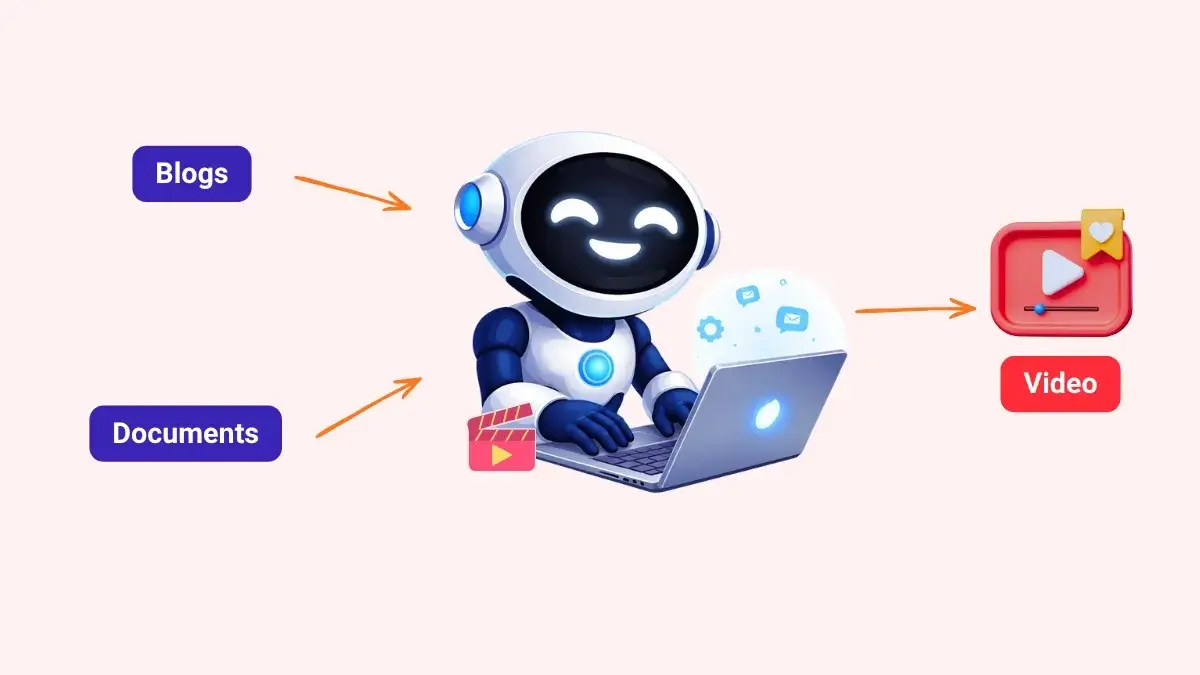
Existing blogs, documents, and other written content can be transformed into video, helping users get more value from material they have already created.
























Leave a Reply